Real-Time Tournament Notifications: Organizer Guide

By Yug Shah
|
Sep 17, 2026
|
|
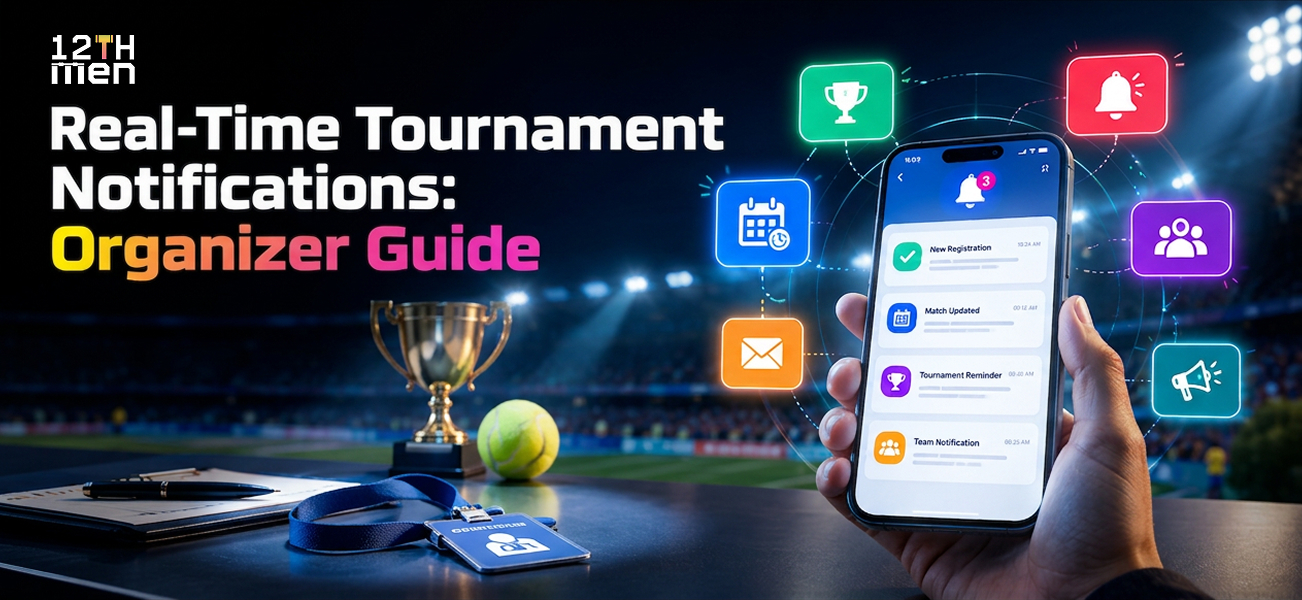
The volunteer’s finger pauses over “Send to everyone.”
Good. That hesitation might save the rest of the afternoon.
Picture a community sports festival. One junior football quarterfinal has moved to another field. The message is ready, but the selected audience includes badminton players, cricket spectators, and volunteers who have already finished their shifts.
They don’t all need another interruption.
Real-Time Tournament Notifications are timely updates about fixtures, reporting times, results, and event changes. Used well, they tell the right people what happened and what to do next.
The organizer’s job isn’t to make every phone vibrate. It’s to make the next action clear.
Quick Summary: Key Takeaways
- Separate instructions from entertainment. Match changes require action. Scores and promotional updates serve different purposes.
- Choose recipients carefully. Match each message to the affected fixture, team, venue, or volunteer assignment.
- Make the next step obvious. Include the change, exact time, location, and required action.
- Check acknowledgment. Keep a backup for important instructions that do not reach people digitally.
Who Actually Needs Each Tournament Update?
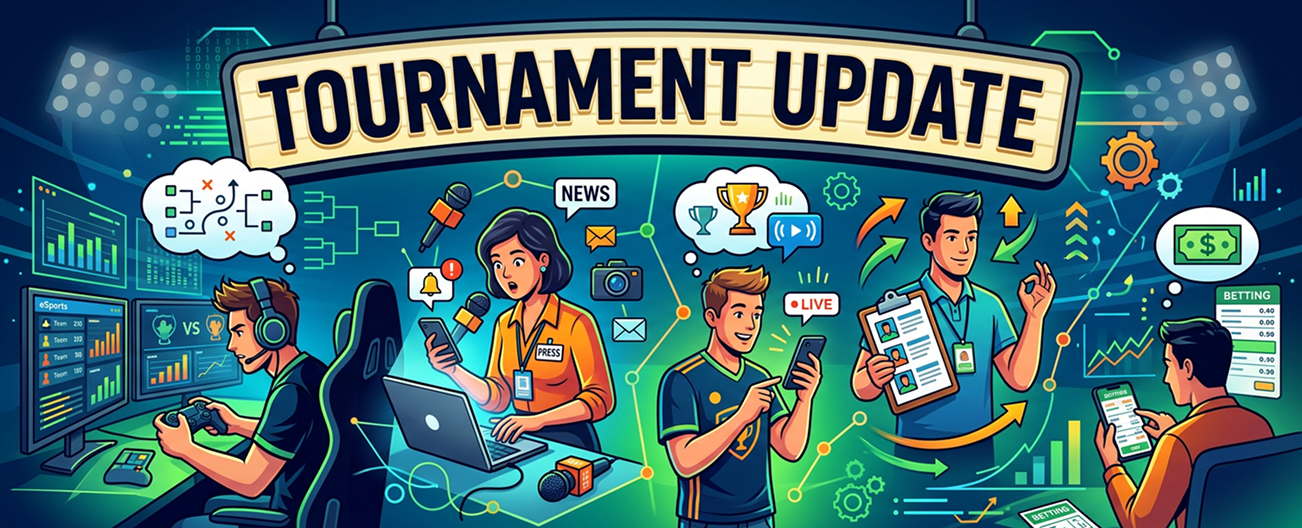
Start with the decision behind the message: who must do something differently because of this information?
For the imagined quarterfinal, select both teams, their coaches, the referee, and the relevant field staff. Include registered guardians where they are responsible for junior participants. Keep private contact information out of public announcements.
Other athletes can find the revised fixture on the event page without receiving an interruption.
Use a recipient plan like this before opening registrations:
| Update | Intended audience | Action to request |
|---|---|---|
| Field or court change | Affected participants, coaches, officials | Check the new location and confirm |
| Reporting reminder | Next scheduled competitors | Arrive at the stated check-in point |
| Score milestone | Followers who selected that match | View the scorecard if interested |
| Qualification confirmed | Advancing entrants and assigned staff | Check the next fixture |
| Eventwide instruction | Everyone affected at the venue | Follow the organizer’s stated direction |
Give each message an owner. A scorer may publish points, while a competition manager approves rescheduling. Decide those boundaries before a volunteer encounters an unfamiliar situation. Make that ownership visible to every volunteer.
What Should a Match Change Notification Say?
Write the message so someone can understand it while carrying a kit bag, not studying a dashboard.
Here is a weak version:
Important update. Your match location has changed. Please check the app.
Now a usable example:
U17 football QF2, Falcons vs. Tigers: moved from Field 2 to Field 3. Kickoff remains 3:40 p.m. IST today. Report by 3:20 p.m. Team managers, please confirm. Updated at 3:05 p.m.
The second version answers the immediate questions. Which match? What changed? What stayed the same? Where should we go?
For an advance notice, include the calendar date rather than relying on “today.” Link directly to that fixture, not the homepage.
An alert should contain enough information to act even before someone opens the link.
We would also avoid unexplained language such as “venue revised.” Name the old location and its replacement. During a busy competition, clarity deserves more space than ceremony.
Check the wording with someone outside the organizing team. Ask them where they would go and when they would arrive after reading it. If their answer differs from yours, revise the message before sending. For multilingual events, prepare reviewed versions of recurring instructions rather than improvising translations while competitors are waiting.
Should Every Update Interrupt Players?

No. Treat operational instructions and optional entertainment differently.
A team waiting for its next match needs a reporting alert. A supporter might prefer wickets, interval scores, or final results. Neither needs every update from every competition category.
Research offers a useful distinction here. In a 2016 study, Xu Sun, Andrew May, and Qingfeng Wang compared mobile content personalization for sports spectators in a laboratory experiment. System-selected content reduced interaction effort, while user-controlled choices offered accuracy and a sense of control.
Our practical interpretation: offer sensible starting preferences, then let followers change their teams, categories, and optional alert frequency. The study examined spectator experience, not whether a particular tournament app prevents missed matches.
For sports event notifications, reserve interruptions for information with a clear purpose. Put routine summaries somewhere people can consult when convenient. Keep sponsor promotions outside the channel used for reporting instructions.
Which Communication Channels Should Organizers Use?
Choose channels around your participants’ access and the urgency of the message. Do not assume everyone has installed an app or enabled its notifications.
Treat this as a planning framework, not a promise that every provider offers every option:
| Channel | Suggested tournament use | What to check |
|---|---|---|
| App or web push | Match reminders and selected score updates | Permission, device reception, and saved message history |
| WhatsApp or SMS | Selected operational updates through supported services | Recipient enrollment, charges, and available delivery information |
| Schedules, joining instructions, and event summaries | Correct addresses and a clear route to current fixtures | |
| Venue announcements and staff | Reaching people on site when phones are unavailable | Named responsibility and consistency with the official update |
For urgent venue instructions, follow the established event communication procedure rather than relying on phones alone.
Collect contact preferences during registration and test them before match day. For junior competitions, identify the responsible adult contact rather than assuming every player manages a device.
Most importantly, publish one current fixture record. Messages should direct people back to that record instead of becoming competing versions of the schedule.
Does “Sent” Mean Everyone Received the Alert?
No. This is the distinction worth checking closely during a software demonstration.
Google’s Firebase Cloud Messaging documentation explains that an accepted message has not necessarily reached the device. Connectivity and device behavior can delay delivery.
So, after changing that quarterfinal, do not close the task simply because the dashboard says “sent.”
Ask each team manager to acknowledge the instruction, using an app control or a reply where supported. If one remains unconfirmed, assign a volunteer to make contact through the agreed backup route.
Reading is not the same as understanding, either. “Confirmed: Field 3, reporting at 3:20” settles more than an unexplained checkmark.
Agree on an acknowledgment deadline that leaves time to help anyone who missed the message. Do not treat a delivery indicator as proof that an athlete ignored instructions. If late reporting could affect eligibility, follow the published competition rules and have the designated official review what actually happened.
Old reminders need attention too. Firebase supports message expiry and replacement of certain pending messages, but the behavior depends on configuration.
Ask your provider to demonstrate what happens when a fixture moves twice while a recipient’s phone is offline. Nobody should be directed back to outdated instructions after reconnecting.
How Should Live Score Alerts Help Families and Fans?

Give supporters a way to stay involved without asking them to monitor every delivery, rally, or possession.
For example, offer a cricket follower wickets and innings results, while a badminton parent follows one match’s start and final score. These are suggested preferences to test, not universal defaults.
There is a human reason to care about that connection.
In the 2015 RUFUS research, Paweł Woźniak, Kristina Knaving, Staffan Björk, and Morten Fjeld tested a prototype that exchanged signals between amateur runners and remote supporters during an organized race. Participants reported greater motivation and an improved experience through feeling connected.
That was a specific race study, not proof that sending more alerts improves every tournament. Our takeaway is narrower: relevant communication can help people participate in the experience from a distance.
Let live score alerts open the scorecard or broadcast directly. For related reading, see our article on live cricket streaming and tournament reach.
How Do You Set Up Real-Time Tournament Notifications?
Begin with a small rehearsal using one fixture and a few test contacts.
Create a reporting reminder, change the location, correct a result, and withdraw an entrant. Check which messages appear, who receives them, and whether obsolete reminders remain active.
Then repeat the exercise with a phone disconnected.
We would insist on seeing the correction process before adding more automated messages. Silently editing a result leaves earlier recipients unaware that anything changed.
Decide when scores are provisional, who confirms qualification, and when the next-round instruction may go out. Connect alerts to approved tournament information rather than a second manually maintained list.
The 12th Men publishes registration, scheduling, live scoring, and event management capabilities. Its scheduling page also describes match alerts through WhatsApp, email, or app notifications. Confirm the channels and controls available for your particular event.
The site’s cricket tournament management guide is another related planning resource.
How Can You Tell Whether Communication Is Working?
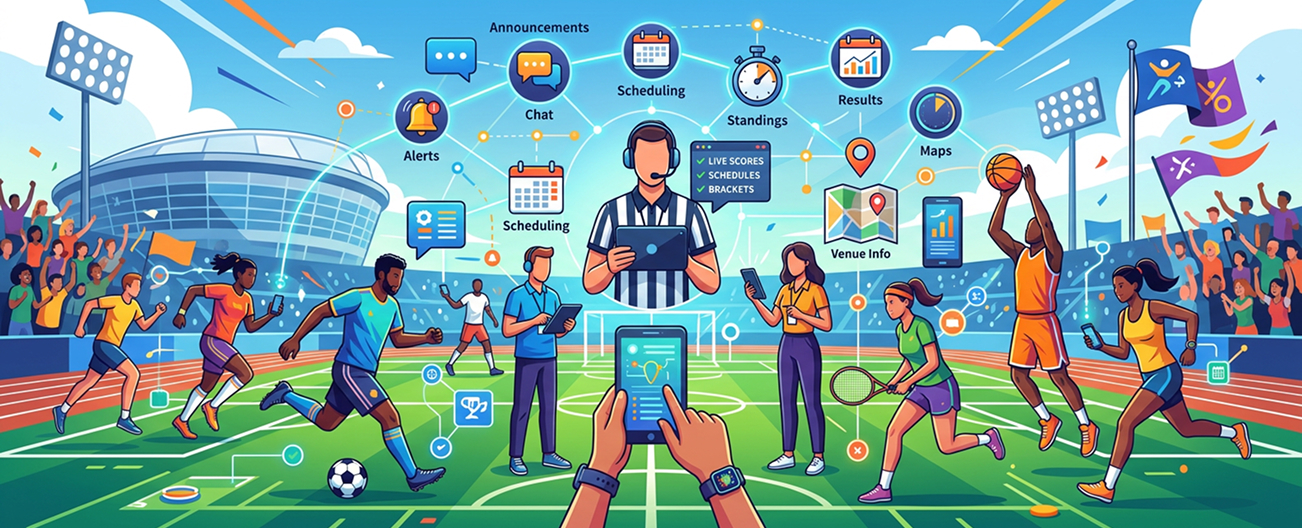
Count resolved instructions, not just outgoing messages.
During a pilot, record whether the intended contacts acknowledged changes, how long confirmation took, and how often participants still asked where to report. Compare those observations with a similar event, allowing for differences in size and staffing.
A worked example: if 18 of 20 nominated contacts confirm a revised reporting instruction, acknowledgment is 90 percent. That is an illustration, not a customer result.
It also leaves two people to contact.
Watch corrections, duplicate messages, and optional-alert opt-outs. Repeated questions suggest something still isn’t clear. Ask afterward: “Which update helped, and which one interrupted you unnecessarily?”
Before buying tournament communication software, request a quote based on your expected participants and message volumes. Ask which channels cost extra, what support covers, and whether communication records can be exported.
Before You Press “Send to Everyone”
Return to that volunteer at the desk.
The quarterfinal has moved. Both team managers have confirmed, the referee has the new assignment, and the official fixture shows Field 3. Everyone else can carry on playing.
That is the outcome to aim for.
Explore The 12th Men’s Real-Time Tournament Notifications and request a demonstration using your next event’s fixtures, audience groups, and reporting rules. Ask to see a missed message and a corrected update, not just a successful send.
FAQ
Got Questions? We've Got Answers.
Sports event notifications cover instructions such as fixture changes, reporting reminders, and event announcements. Live score alerts focus on match progress or results. Plan separate audiences and preferences for each.
It may replace some manual announcements if it supports your required recipients and channels. Test the actual workflow first. Keep an agreed route for questions, urgent clarification, and contacts who cannot access the main system.
Work backward from the reporting deadline, allowing for travel within the venue, equipment checks, and warmup. Test your timing with participants. A useful reminder for neighboring courts may be inadequate across separate grounds.
Update the official result, check any affected standings or qualification, and tell the relevant recipients what changed. Do not leave an earlier winner announcement circulating without a visible correction.
Related Articles
Guide
Badminton Tournament Bracket Generator: Easy Guide
Learn how a badminton tournament bracket generator supports singles and doubles events, fair seeding, court scheduling, live result updates, and smoother competition management for busy clubs. It also highlights practical steps, common pitfalls.
Read More >Yug Shah|Sep 21, 2026|
Guide
Best Table Tennis Tournament Software for Clubs in 2026
Learn what clubs should look for in table tennis tournament software, including easy registration, automated draws, court scheduling, score updates, standings, and clear communication for players. It also highlights practical steps, common.
Read More >Yug Shah|Sep 16, 2026|