Badminton Scoring App Guide for Tournaments & Academies

Written by Yug Shah, Sports Enthusiast.
Running a badminton academy today involves more than coaching sessions. You are managing tournaments, tracking scores, and handling player expectations. This is where a badminton scoring app becomes a core tool, not an extra feature.
If you are still relying on manual scoring, you already feel the gaps. Delays, mistakes, and constant interruptions during matches. A shift to a badminton scoring app online changes how smoothly your events run.
This guide explains what to look for, why it matters, and why The 12th Men is a strong choice for academies.
What Is a Badminton Scoring App and Why It Matters
A badminton scoring app for tournament use is designed to track matches in real time while organizing the entire competition flow.
Why Academies Are Switching
- Faster match updates
- Accurate badminton score tracking
- Better experience for players and parents
- Less workload for organizers
Academies that adopt a badminton scoring app online notice smoother tournaments from day one. Matches stay on time and confusion drops quickly.
Even small academies feel a big difference once scoring becomes digital.
How to Score a Badminton Match in The 12th Men
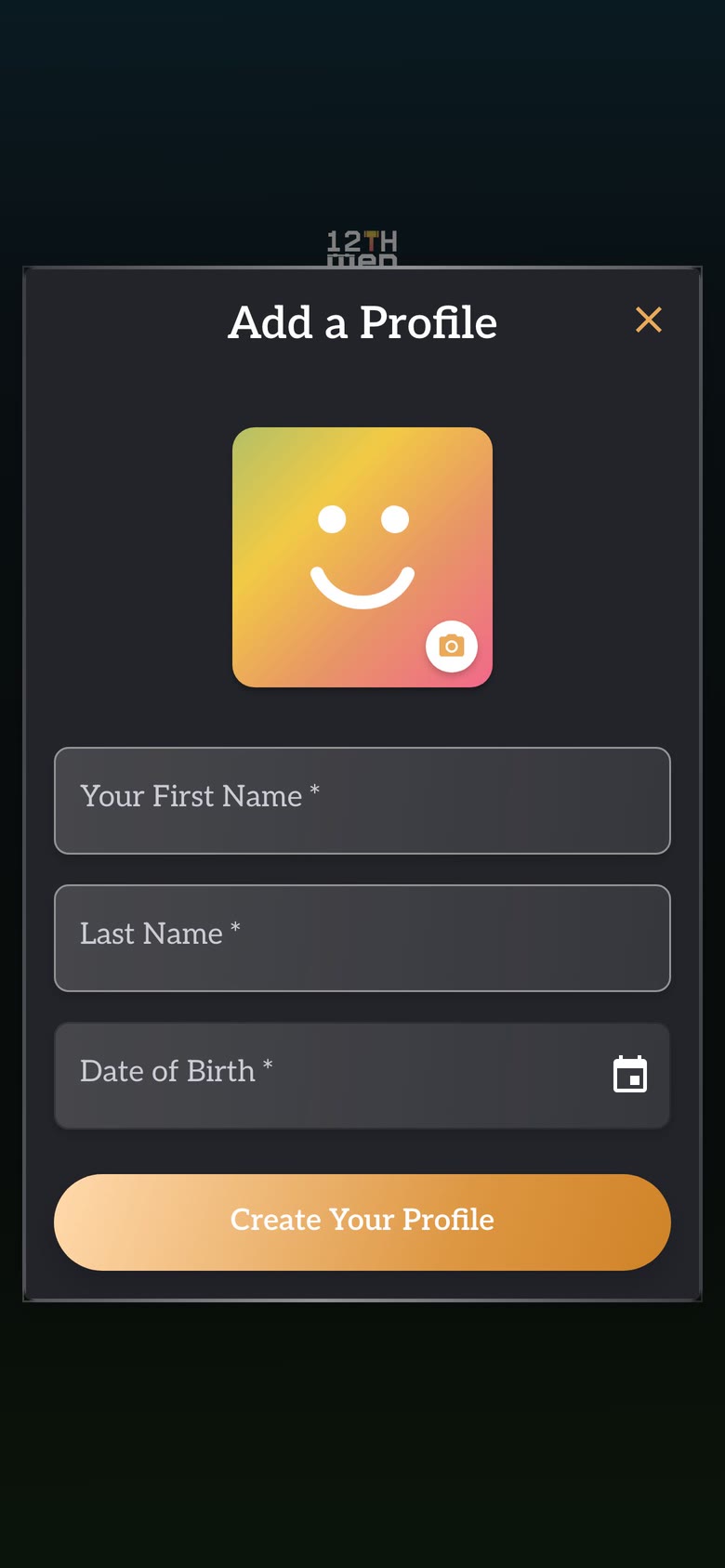
First, open the profile and sign-in guide if the scorer is using the app for the first time. Choose the scorer profile, then open the fixture in the free scoring app.
1. Create the match and choose singles or doubles
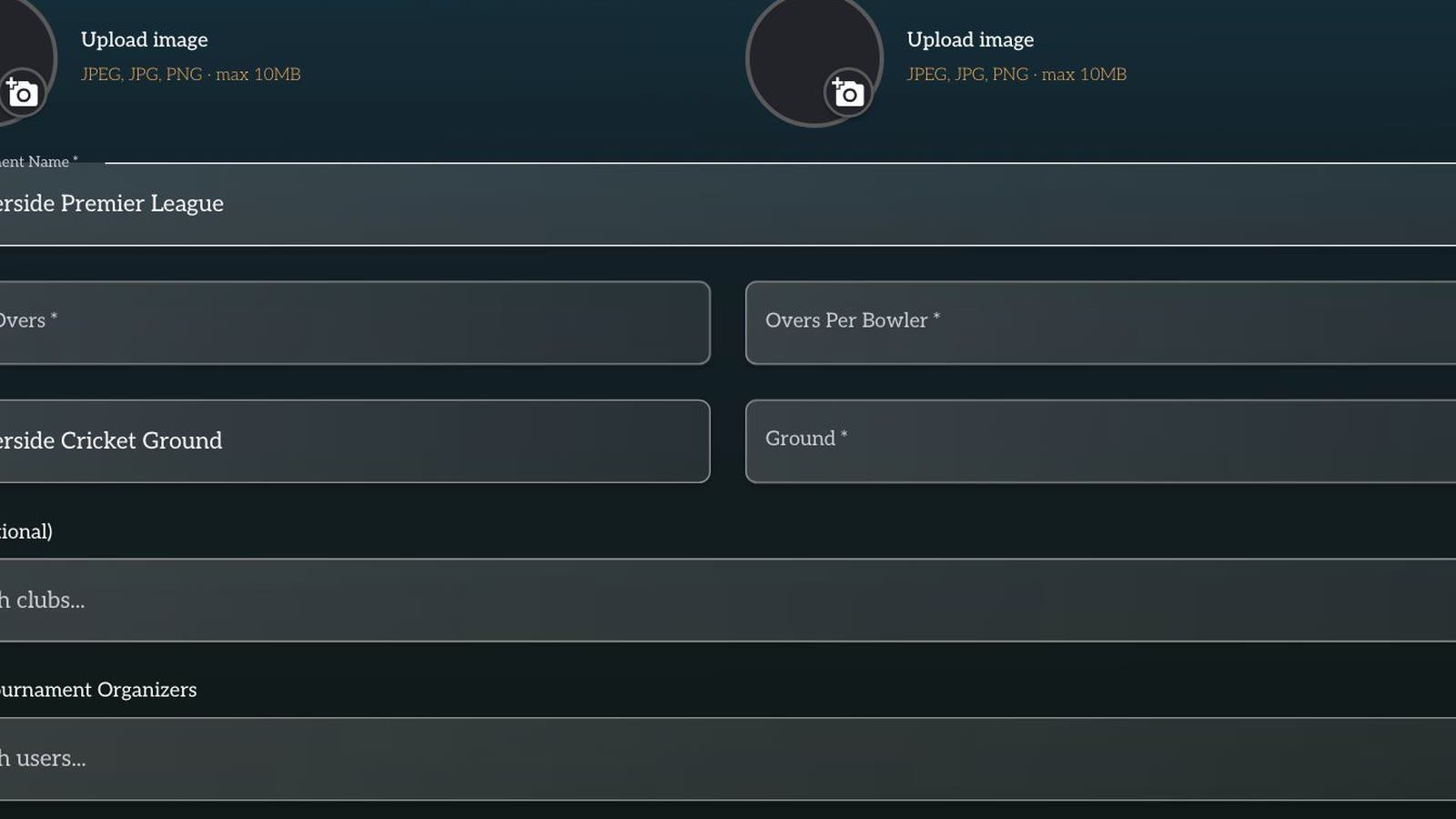
Select badminton, add the two players or pairs, and choose the match format used by the event. Check the names and sides before scoring starts. In doubles, verify both partners because a wrong pairing can make the completed result difficult to use in the tournament record.
2. Confirm the opening game
Open the first game and confirm which player or pair starts on each side. The app records the score, but the scorer still follows the competition's service and court rules. Keep the umpire's call and the app on the same point before the first rally.
3. Record every rally point
After each rally, tap the side that won the point. Pause for a moment and compare the displayed score with the umpire's call before the next serve. This habit matters near 20 points, when a single mistaken tap can change whether the game has reached game point.
Do not enter several rallies from memory. Point-by-point entry preserves the order of the score and makes a correction easier to identify.
4. Handle game point and an extended game
When a side approaches the game target, read the score aloud or confirm it with the official. If the game continues beyond the ordinary target because the required winning margin has not been reached, keep recording one rally at a time. Use the event's approved rules rather than assuming every academy uses the same cap or match format.
5. Use Undo for the latest wrong point
If the scorer taps the wrong side, use Undo before the next rally and enter the point correctly. Confirm the corrected score with the umpire. Undo should repair the latest action; it should not be used to guess through a long sequence after play has moved on.
6. Start the next game and track the match score
Close the completed game only after both sides agree with the final score. Start the next game and check the game count, such as one game to zero, before entering its first rally. This separates the current rally score from the overall match score.
7. Complete and share the result
When the deciding game ends, review each game score and confirm the winner. Complete the match, then share the scorecard or result link with players, coaches and the tournament desk. The organizer can use that confirmed result for the next round or standings without retyping the score from a paper sheet.
The practical benefit is a clear sequence for the scorer: set up the right match, enter every rally, correct the latest error immediately, close each game, and confirm the final result.
Features That Make a Great Badminton Scoring App
Choosing the right tool matters. Academies need fast courtside scoring, clear schedules and results that players and parents can follow without waiting for manual updates.
1. Real-Time Scoring
A coach or volunteer should be able to record points beside the court without interrupting the match. The score, game status and result should update immediately, giving officials one reliable record and letting parents follow progress without repeatedly asking academy staff for updates.
2. Online Access
Online access lets coaches review fixtures remotely, players check results after training and parents follow matches when they cannot attend. For an academy running several age groups, a shared link also prevents different WhatsApp messages from becoming competing versions of the score.
3. Tournament Management Tools
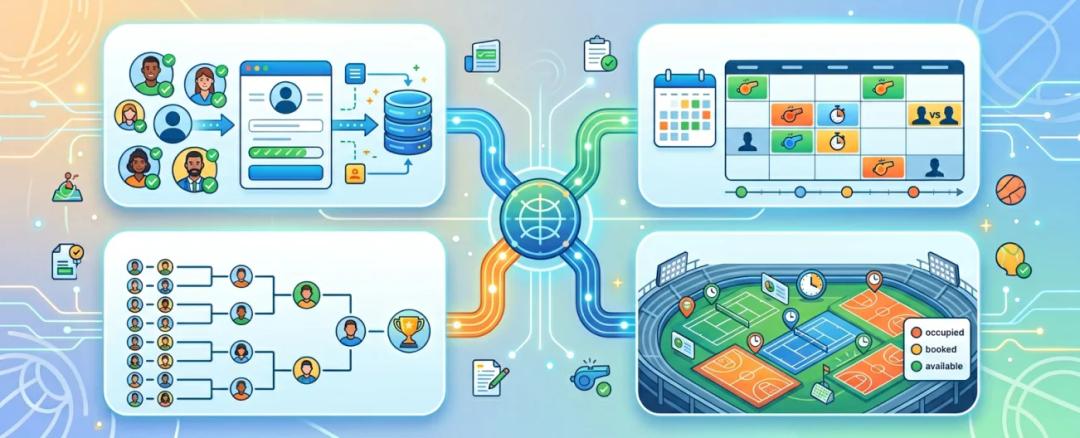
Scoring should connect with player registration, draws, match scheduling and court allocation. During an academy open, the organizer can move from morning check-in to live results without copying names between tools, while coaches can see which players and courts are due next.
4. Performance Tracking
Completed results should build a useful player history rather than disappear after prize day. Coaches can review win-loss records, opponents and recent form before planning training, while players and parents can see progress across internal ladders, academy matches and external tournaments.
5. Auction and League Features
Academies that run team leagues may also need player pools, digital auctions and budget tracking. Connecting those steps with schedules and scoring keeps team rosters consistent. Captains can verify their squads before the first tie, and organizers avoid entering every player twice.

Why Academies Use The 12th Men

The 12th Men brings registration, scheduling, scoring and optional auction workflows together for clubs and academies. That shared record becomes most useful when the same staff manage training events, internal leagues and larger open tournaments.
1. Designed for Tournaments and Academies
Academies can organize players, fixtures and results for a small internal competition or a structured multi-court event. Keeping those details together reduces the manual handoffs that often cause duplicate entries, missed matches or inconsistent result sheets.
2. Complete Online Experience
Coaches can update results courtside, while players and parents use shared information to follow schedules and outcomes. The organizer remains responsible for the official record, but no longer has to answer every status request individually during a busy session.
3. Strong Tournament Features
Fixtures, match tracking and leaderboards give organizers a clear view of tournament progress. When one match finishes, staff can confirm the result and prepare the next court assignment without rebuilding the draw or updating a separate standings file.
4. Built-In Sports Auction Platform

For academy leagues that draft players into teams, player auction software supports player pools, live bidding and purse tracking. The resulting squads can then move into the tournament workflow with less duplicate setup.
5. Online Player Auction Software
A structured online auction gives every captain the same view of available players, current bids and remaining budget. That transparency is easier to audit than handwritten notes and helps the organizer resolve questions before fixtures and scoring begin.
6. Grows from Club Night to Open Tournament
An academy can start with a small club night, then use the same workflow for age-group leagues or a larger open event. Familiar tools reduce retraining, while connected registrations, schedules and results make growth easier to manage.
Final Thoughts
A badminton scoring app is now a must for academies that want to run smooth tournaments. It saves time, reduces mistakes, and improves the experience for everyone involved.
When you choose a badminton scoring app online that also works as a badminton scoring app for tournament use, you get full control over your events.
The 12th Men goes further by combining scoring, tournament management, and features like a sports auction platform and online player auction software into one system.
Academies that move to digital systems early build stronger tournaments and better player engagement.
For a connected tournament workflow, explore badminton tournament management software and match scheduling and scoring for courts, fixtures, and live results.
Related Reading
- How to Digitize Your Badminton Tournament (Complete Guide)
- How to Run a Badminton League: Step-by-Step Guide
- Why Every Badminton Club Needs a Club Management App
Sources and methodology
Examples involving team sizes, scores, schedules, budgets, or workflows are illustrative planning scenarios unless a source is cited. Organizers should also check their governing body's current rules and local requirements.
Continue with The 12th Men
Read next: How to Create a Badminton Tournament Bracket
Need help setting up your event? Scoring and streaming set up for your event: live scorecards, points table, NRR and YouTube overlays.

FAQ
Got Questions? We've Got Answers.
Most staff can learn the core scoring flow in one short practice session. Before the tournament, let coaches or volunteers score a sample game, correct a point and close the result so they know the exact courtside steps before players arrive.
Yes. A suitable badminton scoring app can keep fixtures and results organized across several courts. Each scorer updates the match assigned to that court, while the organizer follows overall progress and prepares the next games without combining separate paper sheets.
Yes. Academies can use the same system for practice matches, internal ladders, club nights and player-development events. Keeping those results together throughout the season gives coaches a clearer history to review, while players and parents can follow progress between major tournaments.
Related Articles
Badminton
How to Create a Badminton Tournament Bracket
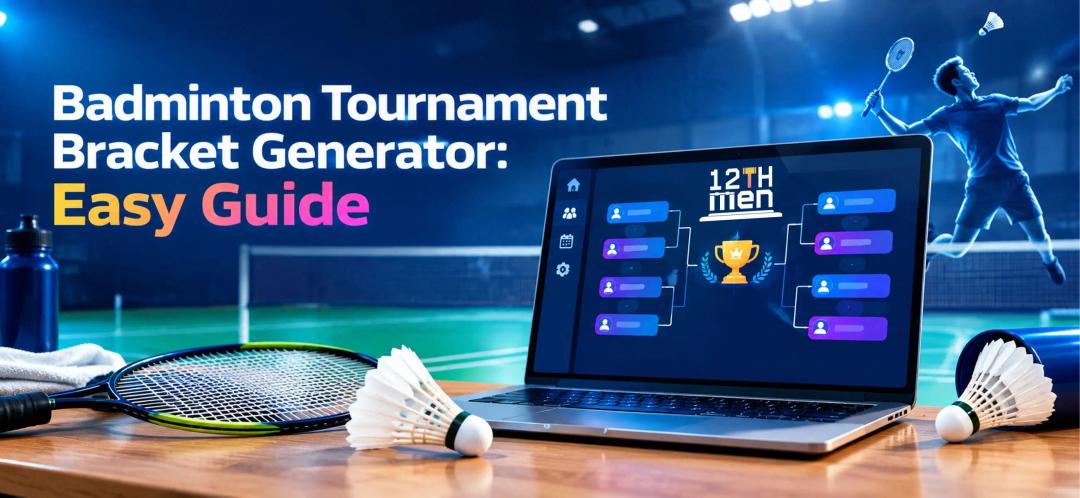
Learn how a badminton tournament bracket generator supports singles and doubles events, fair seeding, court scheduling, live result updates, and smoother competition management for busy clubs. It also highlights practical steps, common pitfalls.
Read More > Yug Shah|Sep 21, 2026|

Badminton
How to Run a Badminton League: Step-by-Step Guide
Learn how badminton league management software helps organizers create brackets, schedule matches, manage players, track scores, and run badminton tournaments with less manual work.
Read More >Yug Shah|Aug 17, 2026|