Cricket Auction Display Screen: Setup and Branding Guide

By Yug Shah
|
Oct 22, 2026
|
|
Imagine a six-team club auction starting at 6:00 p.m.
At 5:43, the projector is working.
Good.
Then somebody notices the sponsor logo covers half the player photograph. The current bid is easy to read from the front row but nearly invisible from the back. One team badge has a white background and disappears completely.
The technology works.
The cricket auction display screen does not.
That distinction matters. A display is not there merely to look polished. It should let owners, players, organizers, and spectators understand the current player, price, bidding team, purse position, and auction status without repeatedly asking the desk.
A good auction screen makes the bidding easier to follow first. Branding comes second.
Quick Summary: Key Takeaways
- Put the current player, current bid, leading team, and auction status where they can be seen quickly.
- Use player photos and team logos that have been checked before auction day.
- Keep sponsor branding visible without competing with bidding information.
- Test the screen from the farthest seat, not only from the organizer’s laptop.
- Run the actual auction interface on the projector before teams arrive.
- Keep the organizer controls separate from the public display wherever possible.
- Prepare a backup for screen, cable, browser, power, and internet problems.
- Separate auction software fees from projector, screen, connectivity, accessories, branding, and optional broadcast costs.
The 12th Men player auction software supports a projector or big-screen auction view, live bidding, and team budget tracking.
What Should a Cricket Auction Display Screen Show?
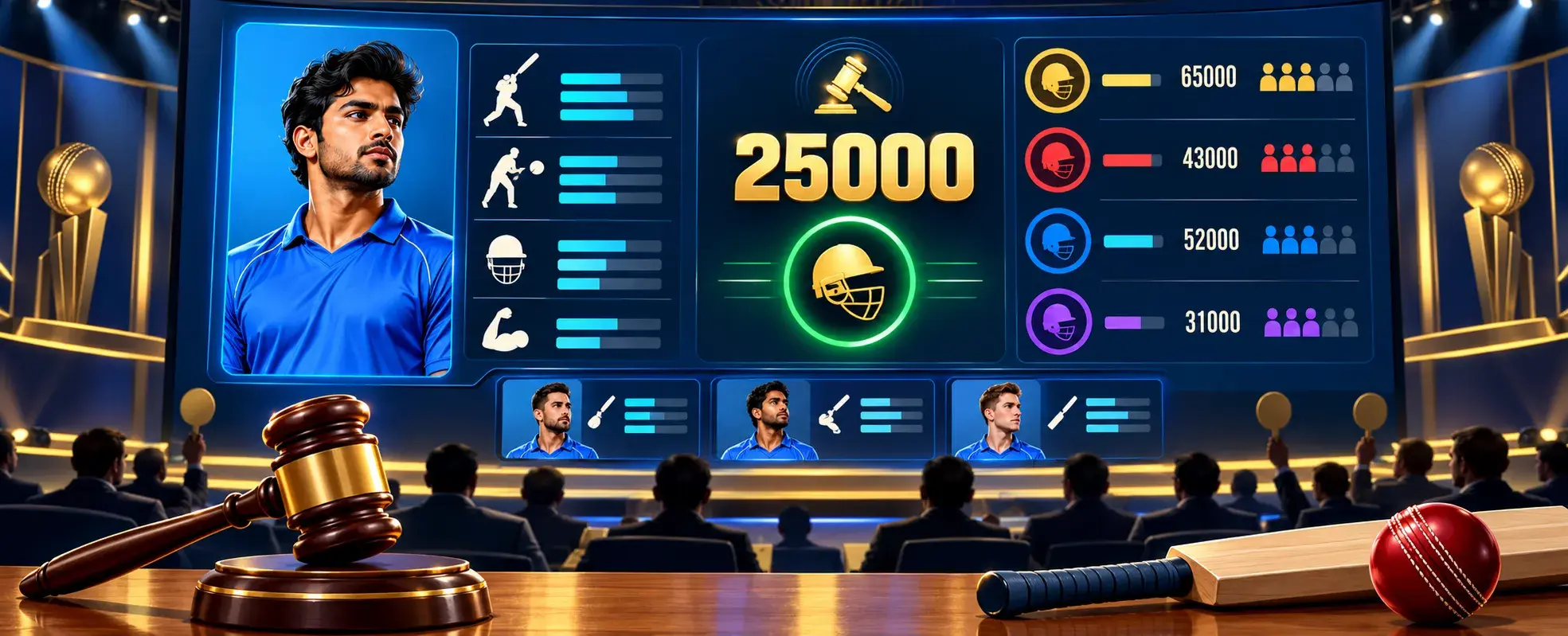
Start with what somebody in the room needs to know in the next five seconds.
Not everything in your player database belongs on the screen.
A practical layout could prioritize these fields:
| Screen element | Why it belongs there | Priority |
|---|---|---|
| Player name | Confirms who is being auctioned | Essential |
| Player photograph | Helps identify the player | High |
| Playing role or category | Gives bidding context | High |
| Base price | Shows where bidding begins | Essential |
| Current bid | Shows the live auction position | Essential |
| Leading team | Identifies who currently holds the bid | Essential |
| Team purse | Helps owners track spending | High |
| Sold or unsold status | Makes the final outcome clear | Essential |
| Sponsor branding | Supports event partnerships | Secondary |
| Extra player statistics | Useful only when relevant | Optional |
The auction display shows player details, configured bid increments, current bids, team purses, spend overlays, bid tickers, and player categories in real time.
That gives you a useful hierarchy.
Auction information should win every visual argument against decoration.
How Much Information Is Too Much?
More data can look impressive on a mockup.
Once the room fills, things change.
A player card could theoretically contain age, batting hand, bowling style, previous team, runs, wickets, category, base price, jersey number, sponsor, auction number, and recent performance.
Should it?
Probably not all at once.
Researchers Meng-Cong Zheng and Chih-Yung Chen studied information shown during Major League Baseball broadcasts. Their 2022 research found that additional visualized information could increase viewers’ cognitive load, and it did not automatically improve understanding or enjoyment for every type of spectator.
The study is about baseball broadcasts, not cricket auctions. The design lesson is still useful.
If everything is emphasized, nothing feels important.
For the live bidding state, we would keep the strongest visual attention on:
Player → Current Bid → Leading Team → Remaining Purse
Secondary player information can sit around that core.
Long biographies can stay off-screen.
How Should You Set Up the Display Before Auction Day?
Do not begin with colors.
Begin with the room.
Ask four questions:
- What screen will people actually watch?
- Where will the auctioneer stand?
- How far away is the last team table?
- Which device will run the auction?
For a small academy auction, a television may be enough.
For a larger hall, a projector or LED display may make more sense.
A live auction can be shown on a projector or big-screen view, but the display still needs to be tested in the actual venue.
Whatever display you choose, rehearse the real setup.
Do not approve the screen while sitting twenty inches from a laptop.
Stand where the farthest owner will sit.
Can you read the current bid immediately?
Can you identify the leading team?
Can you tell whether the player is sold?
If the answer takes several seconds, increase the visual priority of that information.
What Should You Test on the Projector or TV?
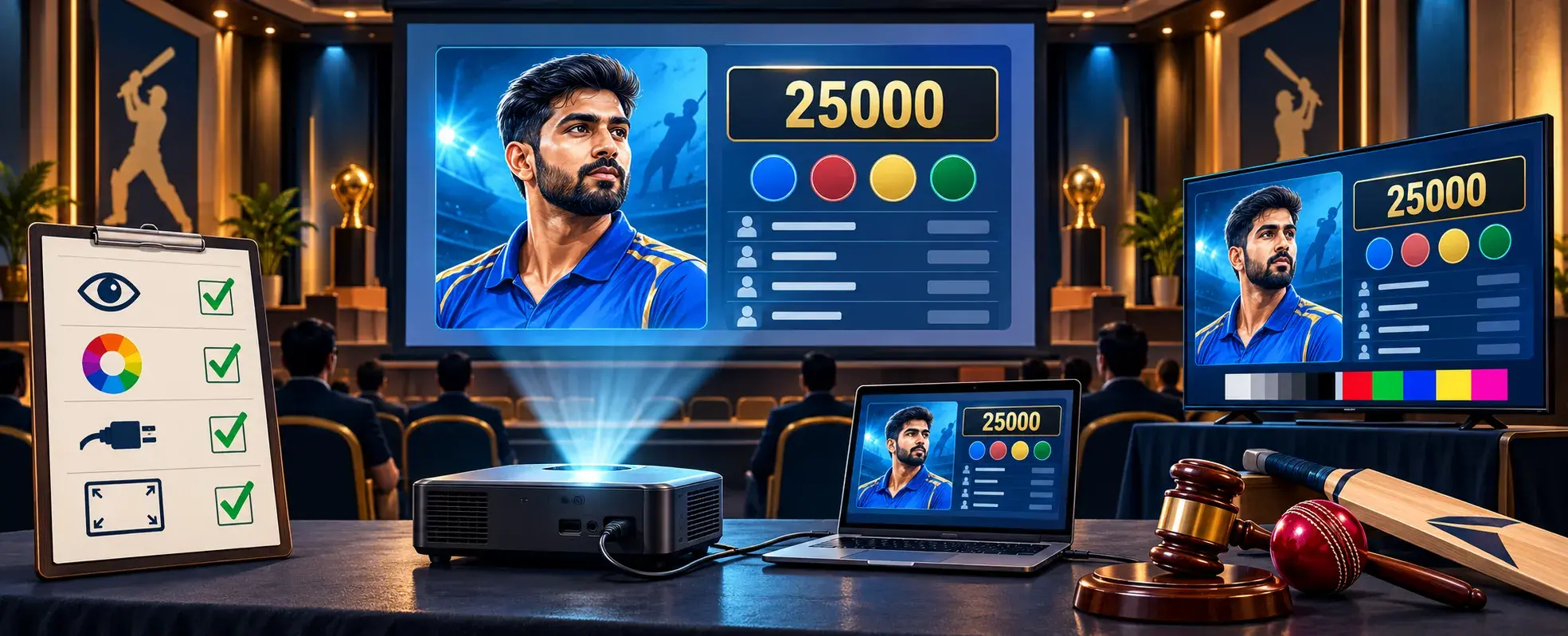
Use the same device, browser, cables, adapters, and network planned for the event.
Then test awkward cases.
| Test | What you are checking |
|---|---|
| Long player name | Does text wrap or shrink badly? |
| Small player photo | Does it become blurry or badly cropped? |
| White team logo | Does it disappear on the background? |
| Large bid value | Does the number still fit? |
| Sponsor with wide logo | Does it overpower the player card? |
| Sold player state | Is the winner immediately clear? |
| Unsold state | Can the audience distinguish it from bidding? |
| Network interruption | What remains visible during reconnection? |
| Browser refresh | Does the correct auction state return? |
The auction interface shows a reconnect banner when a device goes offline and re-syncs the live auction state when connectivity returns.
Still, prepare a human procedure too.
Who decides whether bidding pauses?
Who verifies the last accepted bid?
Who controls the public screen?
Software recovery and auction policy are separate things.
How Should You Brand the Auction Screen?
Think in layers.
Layer 1: Auction information
Player, bid, team, purse, status.
Layer 2: Tournament identity
League name, tournament logo, season.
Layer 3: Sponsor identity
Sponsor logo or approved placement.
Do not reverse that order.
The player auction software supports league logos, sponsor overlays, themes, and sponsor images with titles on auction and public-view pages.
That does not mean every logo needs equal size.
A title sponsor may have a stronger position than supporting partners. Write those rules into your sponsorship package before the creative team builds the screen.
Keep logo files consistent too.
Ask sponsors for clean, high-resolution artwork and check light and dark versions where possible.
A sponsor logo should not vanish just because the auction background changed.
Should the Screen Look Like an IPL Auction?
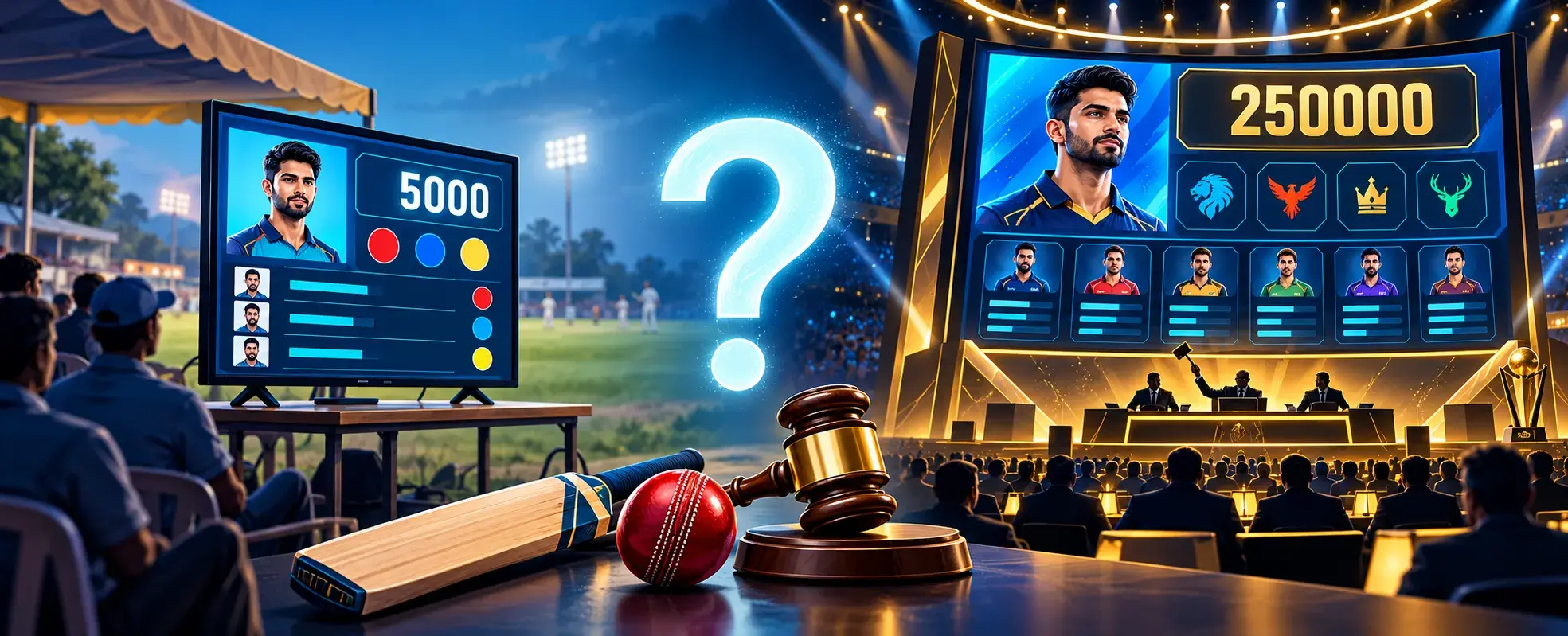
You can borrow the idea of a structured player card.
You do not need to imitate a television package pixel for pixel.
Your local league may need much simpler information.
Imagine a school tournament with eight teams and players who already know one another.
A clean card showing:
Name Photo Role Category Base Price Current Bid Leading Team
may be more useful than a graphic full of statistics nobody used when preparing their bids.
The better question is not:
“How do we make this look expensive?”
Ask:
“Can a team owner understand the auction state from across the hall?”
That usually leads to better decisions.
Where Should Sponsor Logos Go?
Place them where they remain visible without interrupting bidding information.
One option is a fixed sponsor strip.
Another is a reserved corner.
A third is a rotating sponsor area between player lots.
The choice depends on your sponsorship commitments.
Research by Wei Hong Lo, Stefanie Zollmann, and Holger Regenbrecht looked at sports spectators and situated visualizations. Their 2022 study framed useful sports visualization around the relationship between canvas, content, and context, and reported positive responses to situated infographics in their evaluation.
For an auction hall, the practical interpretation is simple:
Design for the place where the information will actually be seen.
A graphic that works beautifully on a designer’s monitor may fail on a projector against a bright wall.
Test it in the venue.
What Should Happen When a Player Is Sold?
The screen should change clearly.
Not subtly.
The winning team should become obvious, the sold value should be visible, and the player should no longer look available for bidding.
When a player is sold, the auction system assigns the player to the winning team and reduces that team’s purse. Organizers can mark unsold players separately for a later re-auction where required.
That state change is useful for the room too.
Owners should not have to ask:
“Was he sold?”
If your design uses animation, keep it short enough that the next player can appear without slowing the auction.
The information matters more than the celebration.
Should the Owner Screen and Public Screen Be Identical?
Not necessarily.
The organizer may need controls that spectators should never see.
Team owners may need bid buttons.
The audience mainly needs context.
The public display could show:
- Current player
- Current bid
- Leading bidder
- Team purses
- Player status
The organizer screen may also need:
- Auction controls
- Category filters
- Correction options
- Player selection tools
- Bid management controls
Team owners can bid from their own pages when owner bidding is enabled, while the auction runs on a separate projector or big-screen view.
Separating these views can keep the public screen cleaner.
How Does Auction Branding Continue Into the Tournament?
The auction is one moment in the event.
Your brand continues after the final player is sold.
The cricket workflow connects auctions with team rosters, fixtures, scoring, and match data. Finalized rosters can move into the scoring module after the auction.
For clubs building the broader workflow, see cricket tournament management software.
If team owners may bid away from the venue, Remote Cricket Auctions: Online Bidding for Team Owners covers that workflow.
For platform-selection questions, read Cricket Auction App Guide for Local Tournaments in 2026.
That keeps this article focused on the screen rather than repeating auction-rule content.
What Does an Auction Display Setup Cost?
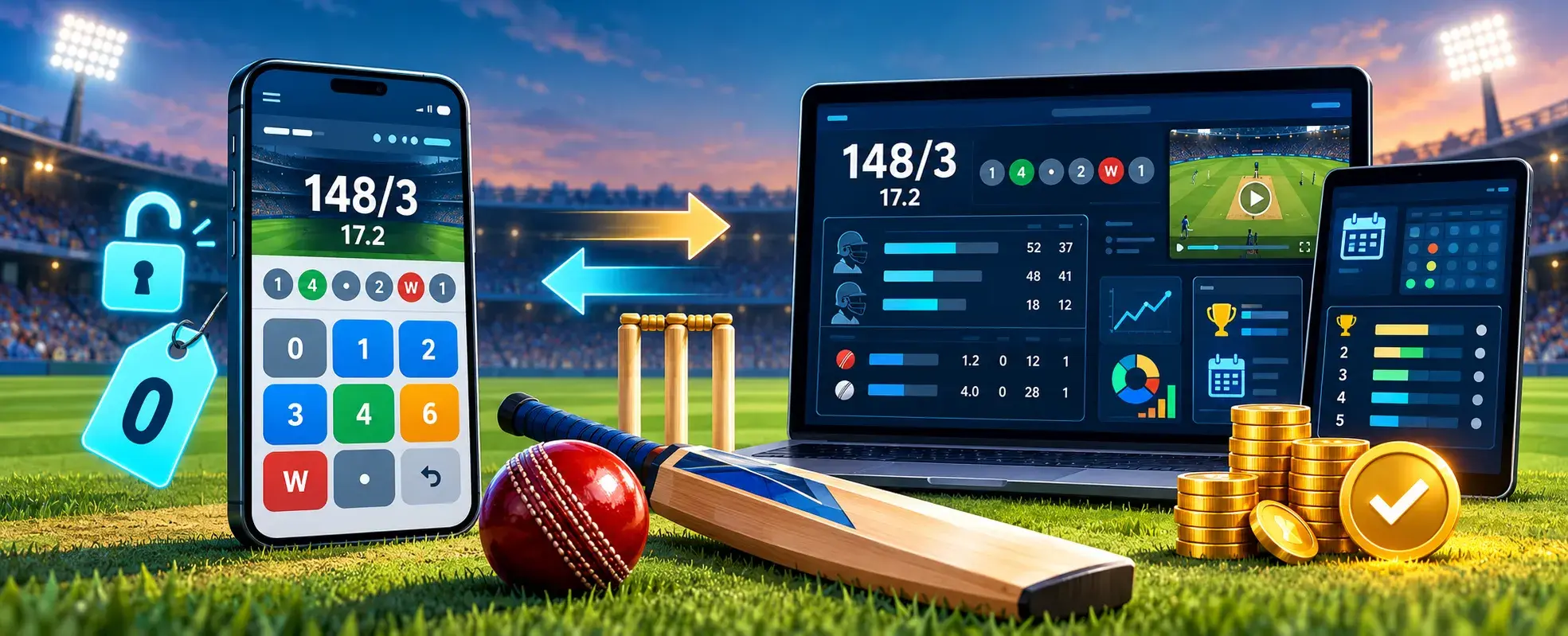
Budget for the auction platform and the physical display setup separately.
A free auction tier does not make the projector, screen rental, cabling, artwork, or venue connectivity free. Break the event into these cost areas:
| Cost area | Example expense |
|---|---|
| Auction platform | Free tier or paid auction |
| Display operator | Rehearsal time or on-site support |
| Display | TV, projector, LED screen, rental |
| Connectivity | Venue Wi-Fi or mobile backup |
| Accessories | HDMI cable, adapter, extension power |
| Creative work | Logos, player photos, sponsor artwork |
| Broadcast | Optional camera, encoder, streaming setup |
The 12th Men pricing page lists auctions with up to 20 teams and 40 players as free. From the 21st team onward, or when the free player limit is exceeded, the auction costs ₹20 per team plus 18% GST, paid once per auction.
This separates software access from the real costs of the in-room display. Compare the full setup, not one subscription number.
What Should You Rehearse 24 Hours Before the Auction?
Run one fictional player all the way through.
For example:
Arjun Mehta All-rounder Category A Base Price ₹5,000
Open him on the display.
Place several test bids.
Change the leading team.
Check the purse.
Mark him sold.
Then repeat with an unsold player.
Switch the internet off briefly.
Reconnect.
Try the longest team name.
Try the widest sponsor logo.
Stand at the back of the room.
This rehearsal is not about creating a perfect fake auction.
It is about finding ugly problems while nobody is watching.
Make the Screen Answer the Room’s Questions
Return to our fictional six-team auction.
It is now 5:58 p.m.
The sponsor logo fits.
The longest player name has been tested.
Owners at the back can read the bid.
The auctioneer knows which screen is authoritative.
A backup cable is already beside the laptop.
Nothing dramatic has happened.
Perfect.
That is what good preparation looks like.
A cricket auction display screen should make bidding easier to follow, give the tournament a recognizable identity, and give sponsors appropriate visibility without burying the information people came to see.
Keep the player clear.
Keep the bid bigger.
Keep the team obvious.
Then brand around it.
For your own event, explore The 12th Men player auction software and book a demo. Bring your actual team logos, one sponsor file, and your longest player name to the demo. Ask to see them on the auction display before deciding how your event should look.
FAQ
Got Questions? We've Got Answers.
At minimum, show the current player, base price, current bid, leading team, and final sold or unsold status. Team purse and player category can also help owners follow the bidding.
Yes. Use the projector or big-screen auction view, and test the actual projector, browser, cables, and venue before the event.
Yes. The auction display supports sponsor images, league logos, sponsor overlays, and themes. Confirm the planned design and approved logo versions before auction day.
Choose a screen that keeps the player name, current bid, leading team, and status readable from the farthest seat. A TV may suit a small room; a projector or LED screen is usually better for a larger hall. Test it in the actual venue before the auction.
Usually not. Prioritize the information needed to understand the current auction. Research on sports broadcast information suggests that adding more visual data can increase cognitive load rather than automatically improving understanding.
Related Articles
Cricket
Which Match Hurt Our Net Run Rate? A Practical Guide
Find the result that damaged your tournament position most. Compare winning and losing margins, overs used, runs conceded and the NRR movement after each fixture so teams can understand the points table accurately.
Read More >Yug Shah|Oct 19, 2026|
Cricket
Cricket Auction Registration Form: Field-by-Field Guide
Plan a clean registration flow from the first field to final approval. The guide covers player details, custom questions, multi-step forms, payments, verification and which information should appear on the public auction display.
Read More > Yug Shah|Oct 12, 2026|