From Cricket Auction to Scorecard: Sync Squads Faster
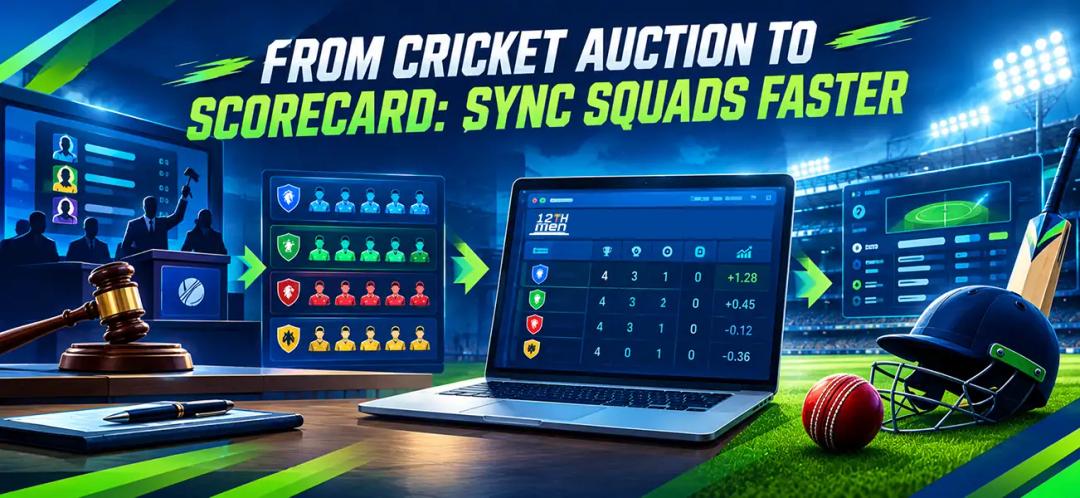
Imagine a fictional club auction. The last squad photograph is being taken when the scorer asks to open tomorrow’s first fixture. The administrator has finished selling players, but has not yet approved the match squads.
One job has ended. Another has barely started.
Auction and scoring integration carries finalized auction squads into tournament scoring instead of requiring the same player lists to be entered again. The administrator still needs to verify identities, playing selections, competition settings, and results.
Quick Summary: Key Takeaways
- Approve sold and retained players before creating the tournament.
- Preserve player identities instead of matching names alone.
- Check team branding separately from roster accuracy.
- Test scorecards, standings, and ranking rules before the opening match.
What Must Be Approved Before Squads Move Across?
Approve the squad record, not just the final auction announcement. In this proposed handover, an administrator checks each team against its accepted purchases and approved retentions.
Leave unsold entrants outside squads unless your published rules authorize a later selection. Resolve contested sales before circulating a team sheet that a scorer might treat as final.
Use this review sheet:
| Record | What to check | Who approves it |
|---|---|---|
| Player identity | Correct existing profile, not a duplicate | Registration administrator |
| Team assignment | Matches the approved auction outcome | Auction administrator |
| Squad eligibility | Meets the league’s roster requirements | Competition official |
| Late changes | Replacement or correction has authorization | Designated league official |
These are suggested responsibilities, not a claim about built-in approval buttons.
For the rules governing disputed transactions, read Sold, Unsold and Re-Auction Rules for Cricket Leagues.
The practical question is simple: could the scorer identify the approved squad without asking which message in the owners’ group is newest?
Why Should Player Identity Survive the Handoff?
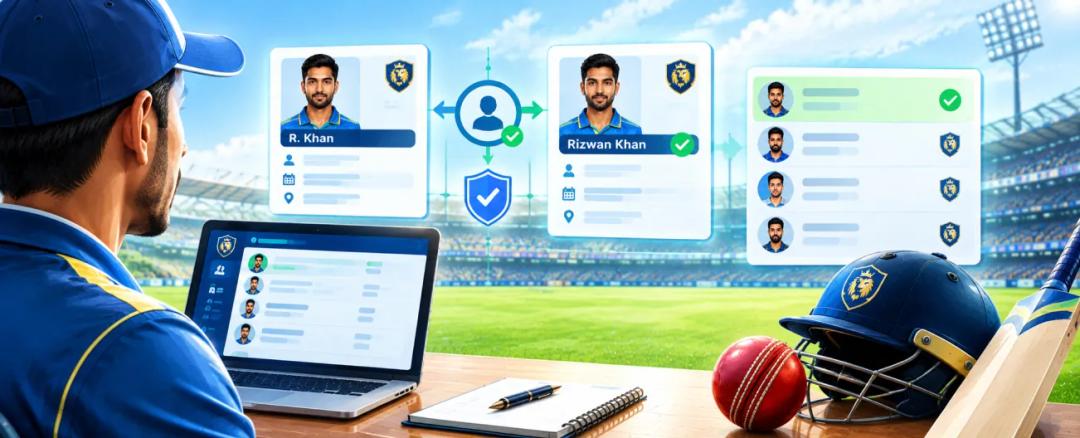
Use the existing player record wherever possible. A shortened name on an auction graphic should not become a second person in scoring.
The 12th Men’s post-auction documentation lists Player ID among the fields retained in player exports. Use that reference when checking records, alongside the player’s verified details.
Rochelle Eime, Melanie Charity, and Hans Westerbeek’s 2022 Sport Participation Pathway Model study presents a conceptual model for understanding participation and retention in community sport. It does not describe auction software or player-record identifiers, so use it only as background on participation pathways rather than evidence for cross-stage record tracking.
For our fictional league, keep the same identity when a player’s display name is corrected. Do not delete an approved profile simply because its spelling needs attention.
A changed label should remain traceable to the same person.
How Does Auction and Scoring Integration Work in Practice?
In The 12th Men’s documented post-auction workflow, the Create Tournament action opens a tournament form with the auction’s teams. The linked competition then supports fixtures, scoring, and standings.
Finish and preserve the auction record
After ending the auction, use the Download tab to retain the sold-player list and team squads. The documentation provides PDF and Excel exports, which can serve as a reference while you check the tournament roster.
Create the tournament from those teams
Choose Create Tournament rather than rebuilding every franchise separately. Before proceeding to fixtures, compare the teams and players carried across with the approved export.
A matching headcount is only the first check. Two different squads can contain the same number of people.
For a fictional eight-team league with fifteen approved players each, expect 8 × 15 = 120 squad assignments. Then check identities within each team: replacing one missing player with a duplicate could still leave the total at 120. Use counts to flag problems, not to certify the entire transfer.
Configure the competition and its operators
Set the tournament name, dates, and cricket settings. Build the required rounds and groups, then assign organizers and scorers. These setup functions are described in the platform’s post-auction operating guide.
Give the scorer access before match day and have them open the assigned fixture themselves. Check that they can select the intended participants without creating fresh profiles or requesting an owner’s credentials. Keep one named administrator responsible for unresolved roster questions.
Do not assume that editing an auction later automatically updates an already linked tournament. Check the affected roster explicitly, especially before its first match.
How Do You Carry Team Branding Into Match Day?

Approve the records first, then check their public presentation. Treat branding as a separate review rather than proof that synchronization succeeded.
The team-management documentation supports team names and logos, with names used on team cards, auction screens, and exports. It does not establish that every graphic setting carries into every scoring view.
Use a consistent identity across the event:
| Element | Auction reference | Match-day check |
|---|---|---|
| Team name | Approved franchise name | Same spelling in fixtures and scorecards |
| Badge | Approved team artwork | Correct badge wherever displayed |
| Season and group | Current competition edition | No confusion with last season’s records |
| Player display name | Approved public name | Still linked to the correct player |
Keep sponsor artwork outside the information needed to identify teams and results. Review any public output separately before sharing it.
Open a team page, a fixture, and a sample scorecard on another device. Compare names and badges with the approved team sheet. Correct the underlying record where appropriate rather than covering an inconsistency with a redesigned graphic.
For the fictional club, a familiar badge is useful. It is not permission to overlook a player assigned to the wrong side.
Does a Synced Squad Automatically Become the Playing XI?
No. Treat the tournament squad as the pool from which the match participants are nominated.
MCC Law 1 requires captains to nominate their players in writing to an umpire before the toss. Your event’s applicable playing conditions govern any additional procedures.
Ask the scorer to compare the match selection with that nomination. Confirm the fixture, opponents, captain, and wicketkeeper before recording the opening delivery.
Do not add someone merely because their name is missing from the selection screen. Ask whether the problem is an incomplete transfer, the wrong profile, or an unapproved replacement.
Those require different fixes.
Also check whether the fixture belongs to the right group or round. An accurate innings attached to the wrong competition record still needs administrative attention.
What Should Your First Scoring Rehearsal Prove?

Use a separate practice fixture, not a live league match. Select test profiles and record enough events to check batting, bowling, extras, and a dismissal.
The goal is reconciliation: the selected players, delivery records, and displayed figures should describe the same innings.
A 2023 study by Leo Roberts and colleagues provides a useful model. Before examining batting near a century, the researchers rebuilt individual innings totals from ball-by-ball data and compared them with an independent innings database. This was cricket-performance research, not a test of commercial scoring software.
For a league rehearsal, use these checks:
| Test | What should agree |
|---|---|
| Batter selection | Chosen profile and batting entry |
| Bowler selection | Chosen profile and bowling entry |
| Innings total | Recorded events and published total |
| Authorized correction | Revised entry and affected figures |
| Match completion | Approved result and tournament record |
MCC Law 3 on scorers requires scorers to check agreement frequently and reconcile with umpires at specified intervals and at the conclusion. A connected app does not remove that responsibility.
We would include a deliberate selection error in the practice match. Finding out how to correct it during rehearsal is preferable to guessing while a bowler is waiting.
How Do Results Feed Automatic Cricket Standings?
The 12th Men’s scheduling and scoring tools describe roster transfer into scoring and automatic standings updates. Its operating guide also states that points tables and NRR update after matches.
Treat automatic cricket standings as calculated output that needs a verified result underneath it.
Check the match status, awarded points, and affected teams. A recently updated table is not enough; compare it with an approved example from your competition rules.
Test the cricket NRR table with an all-out innings
Under the ICC’s published NRR provision, an innings ending all out before its allocation uses the full allotted quota for NRR. Tournament NRR uses aggregate scoring and conceding rates.
Consider an isolated fictional twenty-over match: one team scores 168 in twenty overs, then dismisses its opponent for 132 in 17.4.
For the winning team in this single result:
NRR = 168 ÷ 20 − 132 ÷ 20 = 8.4 − 6.6 = +1.800.
The denominator for the dismissed side is twenty, not 17.4. Use this as a test of the cricket NRR table, then check the competition’s separate rain-affected and incomplete-match provisions.
Verify tournament tie-break rules separately
Publish your tournament tie-break rules before play. Confirm how the platform applies them instead of assuming every custom sequence is available.
Use Cricket Points Table Tie-Break Rules: Scoring Guide to prepare equal-points test cases. Agree who handles exceptions before a qualification decision is needed.
What If a Roster Error Appears After Scoring Starts?
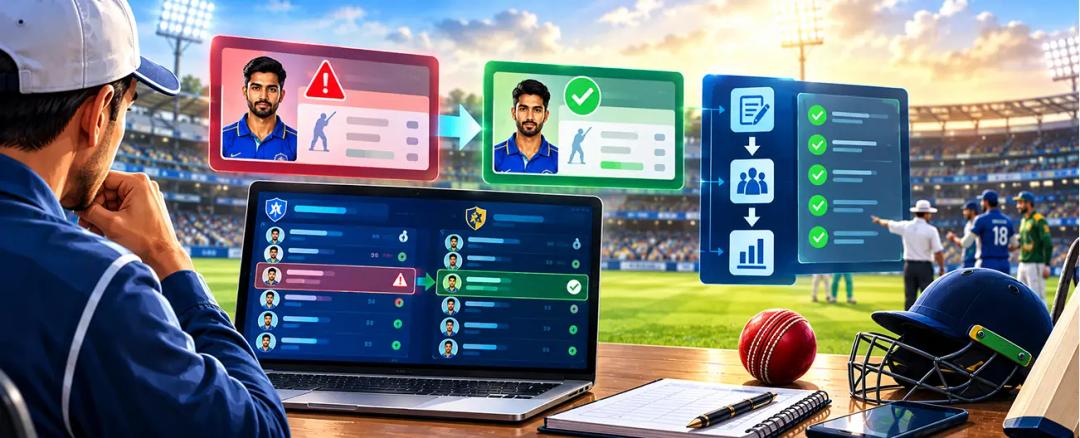
Pause the administrative change and establish what actually happened. A wrongly assigned squad member is not the same problem as a scorer selecting the wrong batter.
Have the authorized official determine the correction, retain its reason, and check the affected records. Avoid silently changing an old match’s participants merely to match a new squad list.
Do not assume that a profile edit rebuilds previous statistics, or that reopening an auction changes linked fixtures. Verify the behavior before using either action as a repair.
The useful question is not simply whether an entry can be edited. Ask which match records, player figures, and standings should change afterward.
Finish the Handover Before Packing Away the Auction
In our fictional club, the scorer should leave with approved squads, an assigned fixture, and a tested scoring workflow. The owner can keep the celebratory team photograph.
They serve different purposes.
Auction and scoring integration works best as a checked handover, not an assumption that every screen agrees. Preserve identities, review branding, confirm the match selection, and follow the result into the standings.
Bring one auction export, one sample fixture, and your points policy to the walkthrough. Book a demo to review that journey before your first match.

Sports Enthusiast
Sports enthusiast and writer passionate about sports technology, tournament management, player auctions, and scoring solutions. Sharing insights, trends, and ideas that help organizers, players, and fans enhance their sporting experience.
FAQ
Got Questions? We've Got Answers.
No. The integration can avoid retyping approved squads where the workflow supports it, but an administrator must still confirm player identity, eligibility, team assignment and late changes. The scorer must also verify the playing XI, fixture, result and standings before treating the handover as complete.
Only after the league’s published rules and an authorized administrator approve the selection. Keep unsold players outside active squads until that decision is recorded. Before match day, confirm the correct player profile, team assignment and eligibility so the scorer does not create a duplicate or use an unapproved replacement.
Do not assume that they do. After any authorized auction correction, open the linked tournament and verify the affected squad, player identity and upcoming fixtures. Keep a record of who approved the change, then ask the assigned scorer to confirm the revised selection before the first ball.
Run a practice fixture using your published points and ranking policy. Confirm the final result, awarded points, NRR inputs and all-out treatment, then compare the table with a manual example. Test equal-points cases separately and ask support about any custom tie-break order the product documentation does not confirm.
Related Articles
Cricket
Cricket Points Table Tie-Break Rules: Scoring Guide
Prevent qualification disputes by publishing the tie-break chain early. This guide explains how points, wins, net run rate, head-to-head results and other approved criteria should be ordered and applied consistently.
Read More >Yug Shah|Oct 27, 2026|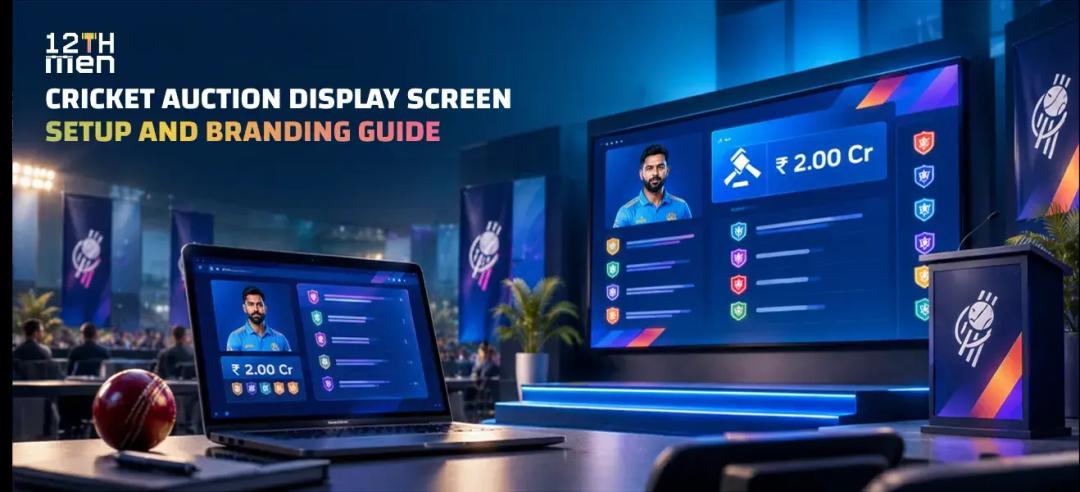
Cricket
Cricket Auction Display Screen: Setup and Branding Guide
Design a screen that works for owners, players and viewers. Decide which player details, live bids, team purses, timers and sold states stay visible, then layer in colors, overlays and timed sponsor takeovers.
Read More >Yug Shah|Oct 22, 2026|