Cricket Scoring App Guide for Local Tournaments (2026)

Written by Yug Shah, Sports Enthusiast.
Running a local cricket tournament sounds simple. Then match day arrives. Scorebooks go missing. Players argue over stats. Someone forgets to update the leaderboard.
That is where a cricket scoring app changes everything.
A live score app for local tournaments should be simple enough for volunteer scorers while keeping one reliable record for organizers and players.
In this guide, we break down what works in 2026, what features actually matter, and why platforms like The 12th Men stand out for clubs and scorers.
What Is a Cricket Scoring App?
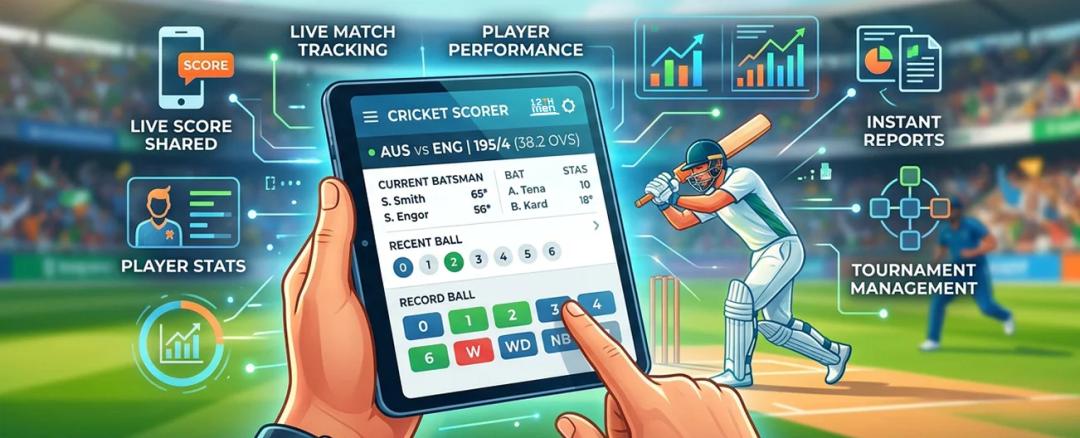
A cricket scoring app is a digital tool that helps you record ball-by-ball match data in real time. It replaces manual scoring and connects scoring with cricket tournament management.
For informal leagues, a gully cricket scoring app or local cricket score app serves the same purpose: replacing paper books with a shared digital scorecard.
You can:
- Score matches live
- Track player performance
- Share live scores with audiences
- Generate reports instantly
Simple idea. Big impact.
Why Local Tournaments Need a Cricket Scoring App
Let's be honest. Most local tournaments still depend on manual scoring or WhatsApp updates.
That causes:
- Data errors
- Delayed updates
- No player statistics history
- Confusion during knockouts
Once a club switches to a proper cricket scoring app , disputes drop almost immediately. Transparency builds trust.
Even small tournaments with several teams start looking more professional when live scoring is introduced.
Key Features to Look for in 2026
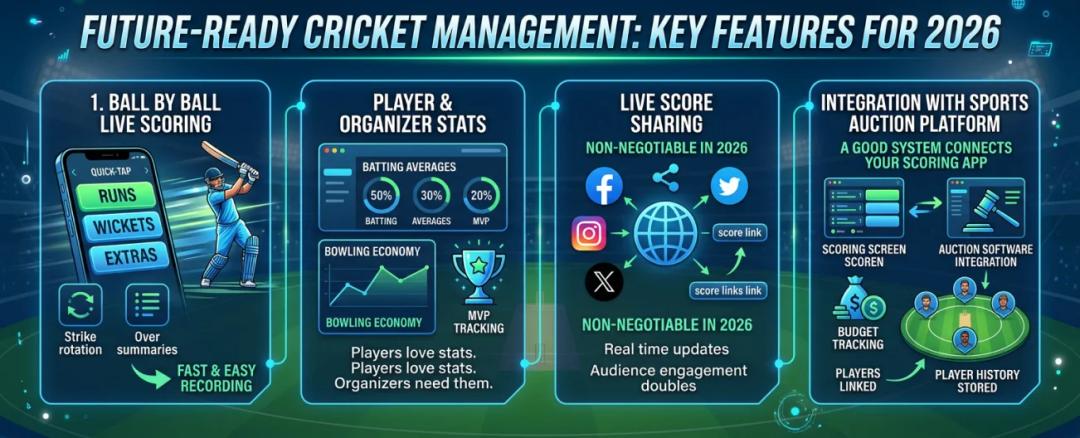
The best tools keep match-day work simple for scorers while giving organizers a reliable tournament record. Prioritize features that solve common local-league problems instead of choosing an app only because it has a long feature list.
1. Ball-by-Ball Live Scoring
A volunteer scorer should be able to record runs, wickets, extras and strike rotation without slowing the match. For example, after a boundary or wicket, the over summary and current batter should update immediately so teams, spectators and officials are all looking at the same score.
2. Tournament Management Dashboard
Scoring is more useful when fixtures, points tables, knockout rounds and match status sit in one dashboard. In a weekend league, the organizer can confirm a result, update the standings and see the next scheduled game without maintaining a separate spreadsheet or messaging every team captain.
3. Player Statistics and Analytics
The app should turn completed scorecards into batting, bowling and fielding records that players can follow across the tournament. A club can compare strike rates, bowling economy and wicket totals before awards, while coaches can review performance trends without rebuilding statistics from paper books.
4. Live Score Sharing
Shareable scorecards let parents, supporters and players follow a match even when they are not at the ground. A public link should show the latest score, overs and key events clearly, while organizers retain one official record instead of posting conflicting updates across several chat groups.
5. Auction-to-Fixtures Workflow
For auction-based leagues, selected players should move into team rosters without being entered again before fixtures begin. Connecting player auction software with scoring reduces duplicate work, keeps squad lists accurate and gives organizers a continuous record from bidding through match results.
6. Automatic Points Tables and Net Run Rate
After a result is confirmed, the system should update wins, losses, points and net run rate from the scorecard. That matters in short local tournaments, where one manual calculation can change qualification. Organizers can review the table and match data together before announcing semifinal places.

Why Local Organizers Use The 12th Men
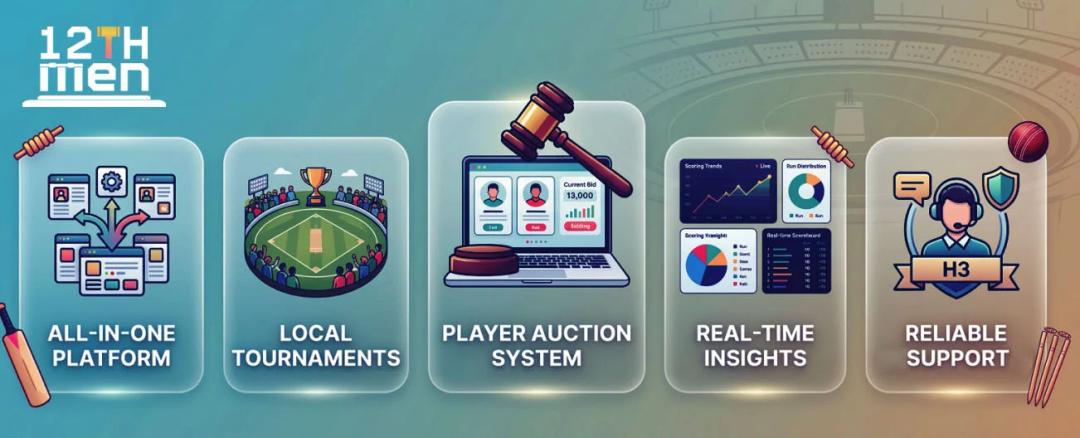
The 12th Men connects local-tournament scoring with the wider work organizers already handle. The practical value is not a single feature; it is keeping the tournament record consistent from player selection to the final points table.
1. Scoring and Scheduling Together
Organizers can manage fixtures and live scorecards in one workflow, so a completed match feeds the tournament record instead of becoming an isolated result. The cricket scheduling and scoring tools are designed for this connection.
2. Built for Local Tournaments
Club, community, school and college competitions often rely on volunteers and have little time for setup. A straightforward scoring flow, clear fixtures and shareable results help staff run match day without needing a separate specialist for every administrative task.
3. Player Auctions Feed Team Rosters
Auction-based leagues can use the built-in player pool, live bidding and purse tracking before the season begins. Once squads are decided, keeping those rosters connected to fixtures and scorecards reduces re-entry errors and makes each player's tournament record easier to follow.
4. Results Create Useful Tournament Data
Each completed scorecard contributes to player statistics, standings and net run rate. Organizers can use that information to check qualification, prepare awards and review performance, while players get a clearer record of what they contributed across the event.
5. One Record for Organizers and Teams
When fixtures, squads, scores and standings live in the same system, organizers spend less time reconciling different spreadsheets and chat updates. Teams also know where to check the official result, which reduces confusion when matches finish close together.
How to Choose the Right Cricket Scoring App
Before you decide, test the app against the way your competition actually runs. The best cricket scorecard app is the one a scorer can use accurately under match-day pressure and an organizer can trust after the final ball.
What Is Your Tournament Size?
Count teams, venues, simultaneous matches and the people who will score. A small weekend league may need simple fixtures and one points table, while a multi-venue event needs court assignments, parallel score entry and consolidated standings.
Do You Need Auction Features?
If teams are formed through bidding, choose a platform that keeps auctioned players, budgets and rosters connected. That prevents organizers from rebuilding squads before scheduling matches and gives captains a clearer handover from auction day to the first fixture.
Who Will Use the App?
Identify whether scorers, volunteers, coaches or team managers will enter results. Ask them to test the core flow before committing. Clear buttons, undo options and a simple over summary matter more than advanced reports if users cannot score confidently.
Does It Support Reporting?
Check whether completed matches generate scorecards, player statistics, points tables and tournament summaries. Useful reporting should come from scoring data automatically, so organizers do not have to rebuild awards, qualification calculations or season records by hand.
How to Score a Cricket Match in The 12th Men
Start with the after-auction tournament guide if your squads came from a player auction. It shows how to carry approved players into the tournament instead of entering them again. Then open the match in the free cricket scoring app.
1. Create or open the match
Choose the tournament fixture you are scoring, or create a casual match and add both teams. Check the match format, overs and playing squads before the toss. This prevents the scorer from having to repair the setup after the first ball.
2. Record the toss and decision
Select the toss winner and whether that team will bat or bowl. Confirm the batting and fielding sides on the match screen before moving forward. A quick check here keeps the innings, scorecard and chase assigned to the correct teams.
3. Select the openers and first bowler
Choose the two opening batters, identify the striker and non-striker, and select the opening bowler. Confirm the names with the captains or team managers. The first over is a poor time to discover that two players with similar names were placed in the wrong roles.
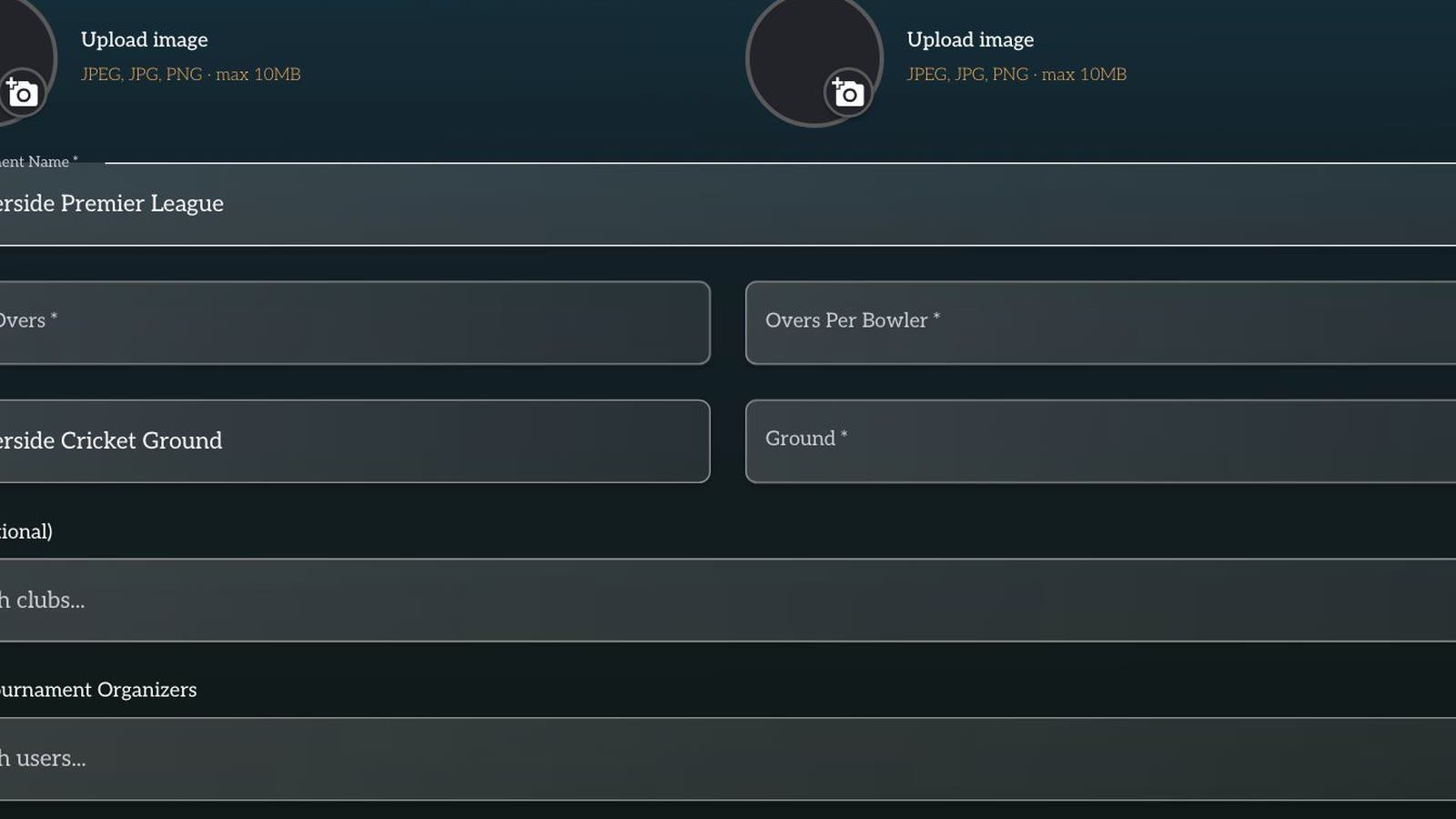
4. Score the match ball by ball
Record each delivery as a dot ball or 1, 2, 3, 4 or 6 runs. When the delivery includes an extra, choose the correct option, such as a wide, no-ball, bye or leg bye, rather than adding the total as ordinary runs. The live scorecard can then separate batter runs, extras, balls faced and the bowler's figures.
At the end of an over, verify the total, wickets and next bowler before continuing. This short check is more useful than trying to reconstruct several overs later.
5. Choose the correct wicket type
When a wicket falls, open the wicket action and select the dismissal type shown in the app. Confirm the dismissed batter and add the fielder or other detail when the screen requests it. For a run-out, check which batter was out before saving because the striker may have changed ends during the play.
6. Use Undo for a scoring mistake
If the scorer taps the wrong run, extra or wicket, use Undo immediately and enter the delivery again. Tell the umpire or nearby scorer that the correction is being made so everyone continues from the same ball. Undo is for the latest incorrect event, not a substitute for reviewing a long sequence after the over.
7. End the innings and set up the chase
When the batting side is all out or the allotted overs are complete, review the innings total and close the innings. Select the new opening batters and bowler for the chase. Do not record the first ball of the second innings until the target and team roles are correct.
8. Share the scorecard or YouTube Live overlay
After the match, complete the result and share the scorecard link with teams. For a broadcast, follow the YouTube Live overlay guide to show the live score while the scorer keeps working in the app.

This workflow gives organizers a repeatable scoring process. The value is not simply replacing paper. It is knowing who must confirm each step, when to correct an entry and how the completed score reaches players and viewers.
Common Mistakes to Avoid
Even with a good app, mistakes happen.
Avoid these:
- Not training scorers before matches
- Ignoring backup plans
- Choosing overly complex tools
- Not testing live scoring before tournament day
A short brief training session solves most issues.
Final Thoughts
Local tournaments are getting serious. Players expect stats. Audiences expect live updates. Organizers want control.
A good cricket scoring app is no longer optional.
If you want everything in one place, from scoring to auctions to cricket tournament management, The 12th Men is a strong choice.
A connected match scheduling and scoring system keeps local fixtures, scorecards, and standings organized.
Related Reading
- How Live Scoring Features Improve Tournament Experience
- The Ultimate Guide to Live Cricket Scoring & Streaming
- Cricket Scoring Rules Explained for Beginners
Continue with The 12th Men
Read next: How Live Scoring Features Improve Tournament Experience
Need help setting up your event? Scoring and streaming set up for your event: live scorecards, points table, NRR and YouTube overlays.

Related Articles
Guide
Cricket Player Registration Software: What to Look For
Use a practical buyer checklist for cricket player registration. Compare public links, OTP sign-up, reusable profiles, multi-player households, bulk imports, payment tracking, approvals and the handoff into auctions or tournaments.
Read More > Yug Shah|Nov 3, 2026|

Guide
Remote Cricket Auctions: Online Bidding for Team Owners
Prepare team owners to bid from different locations without losing control of the room. Cover access, on-block checks, bid timers, purse visibility, decision roles, device testing and backup communication before auction night.
Read More >Yug Shah|Oct 15, 2026|