Cricket Player Registration Software: What to Look For
Table of contents
The registration link went out on Monday. By Thursday, 140 players had signed up for the corporate league auction.
Then the questions started. Two brothers shared one mobile number. Forty players from last season had to type everything again. Nine people paid by UPI, but nobody could match the screenshots to the right names.
None of this shows up in a product demo. That is why choosing cricket player registration software should start with a checklist, not a feature list.
If you are new to the topic, our Cricket Player Registration Software: Complete Guide explains what these systems do. This article is the next step: how to evaluate one before you commit your next season to it.
Quick Summary: Key Takeaways
- Test the player sign-up journey on a phone, not just the organizer dashboard.
- Check how the system identifies a player: mobile number, OTP, and reusable profiles matter more than form design.
- Ask how it handles shared numbers, bulk imports, and returning players.
- Payment status should sit on the player record, whether players pay online, by UPI QR, or in cash.
- Approvals should be a clear step, not a column someone edits in a spreadsheet.
- The real test is the handoff: do registered players reach the auction and the tournament without being re-entered?
Why a Buyer's Checklist Beats a Feature List
Almost every registration tool says it has "custom forms" and "payment collection."
Those words tell you very little.
A box cricket organizer running a 12-team Saturday event and a committee running an IPL-style local auction with 300 players will stress a system in very different ways. The question is not "does it have the feature?" It is "what happens when things get messy?"
So treat your evaluation like a trial match. Give the software real situations and watch how it responds.
Read next: Cricket Auction Registration Form: Field-by-Field Guide
The Cricket Player Registration Software Checklist
Work through these six areas in order. Each one includes what to look for, the question to ask, and the red flag to watch out for.
1. A Public Registration Link Players Can Actually Use
Most grassroots registrations happen through a link dropped into WhatsApp groups. That link has to work on a cheap phone with patchy mobile data.
Look for: a shareable link, a short form, and a clear "registration closed" state once you stop taking entries.
Ask: Can I open and close registration myself? What do players see after the deadline?
Red flag: the link keeps accepting entries after you are full, and you find out on auction day.
2. OTP Sign-Up and Reusable Player Profiles
This is the most underrated item on the list.
If players register with a mobile number verified by OTP, the system knows who they are. If profiles are reusable, a player who joined your league last season does not start from zero this season.
Look for: mobile number plus OTP sign-up, and profiles that carry over between events.
Ask: If a player registers for my second tournament, are their details already filled in? How does the system avoid creating a duplicate?
Red flag: every event creates a brand-new player record. After two seasons you will have three versions of the same opening batter.
3. Multi-Player Households and Shared Numbers
In Indian local cricket, one phone number often belongs to a family. A father registers himself and his two sons. Two flatmates use one phone for a society tournament.
Look for: support for more than one profile under one mobile number.
Ask: If two players share a number, can both register separately and still be told apart?
Red flag: the second registration overwrites the first.
4. Bulk Imports for Players You Already Know
Not every player will fill in a form. Corporate leagues often get a roster from HR. A returning club league may already have last year's list in Excel.
Look for: Excel import, manual add, and the option to edit or delete entries after import.
Ask: Can I import a spreadsheet and still let new players self-register into the same pool?
Red flag: imported players and self-registered players live in separate lists you have to merge by hand.
5. Payment Tracking That Matches How Players Pay
Grassroots fees arrive in many forms: online payment, a UPI QR scan, or cash at the ground.
Look for: several payment methods, with paid or unpaid status attached to each player entry.
Ask: If a player pays cash, can I mark it in the system? Can I see who has registered but not paid, in one view?
Red flag: "payment proof" means screenshots in a WhatsApp chat.
6. Approval Workflows Before the Pool Goes Live
Registration is not the same as eligibility. Someone still has to confirm the entry, check the category, and decide who goes into the player pool.
Look for: a clear approval step for players and teams, plus the ability to assign categories such as Platinum or Gold before the auction.
Ask: Who can approve entries? Can I change a player's category after they register?
Red flag: approvals happen in a separate sheet, so the auction list and the "approved" list never quite match.
The Handoff Test: Registration to Auction to Tournament
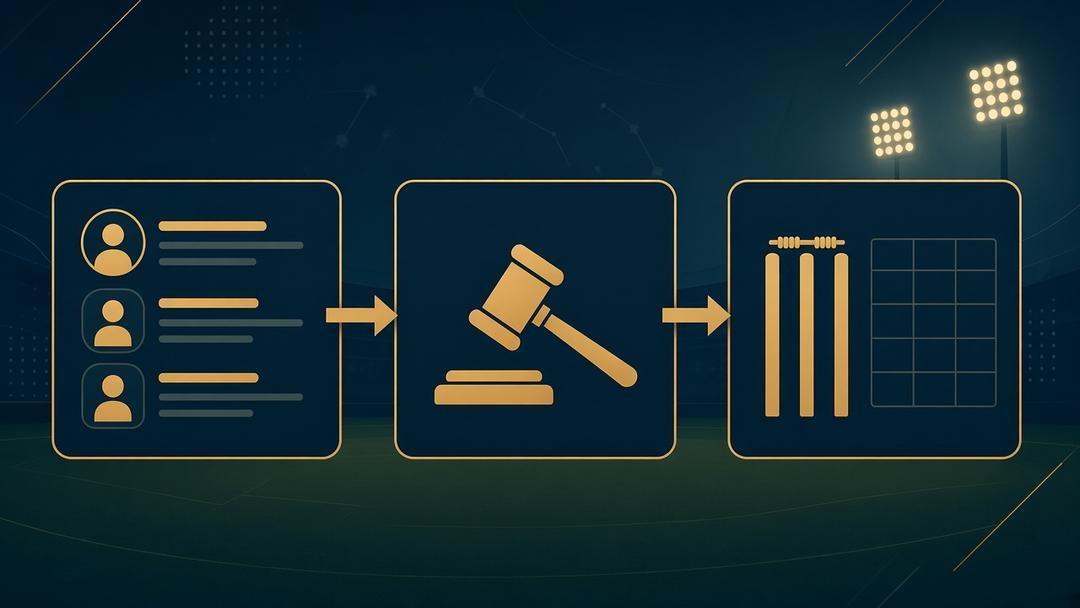
Here is where most tools quietly fail.
Registration is only the first stage. The same player has to appear in the auction pool, then in a team squad, then in fixtures and on the scorecard.
If the registration tool stops at a CSV export, someone on your committee will rebuild the player list at least twice.
For auction leagues, registration data also feeds your auction rules. Categories, squad limits, and cricket auction purse rules all depend on a clean, approved pool. If your league uses a maximum bid calculator or reserve formula to protect each team's remaining purse, it only works when the player count and categories are right.
Our guides on player auction rules for base price, purse and bids and player categories in cricket auctions cover that side in detail.
Ask: After registration closes, how do players get into the auction? After the auction, how do squads get into fixtures and scoring?
Red flag: "You can export and upload it."

Comparison Checklist: Score Each Platform
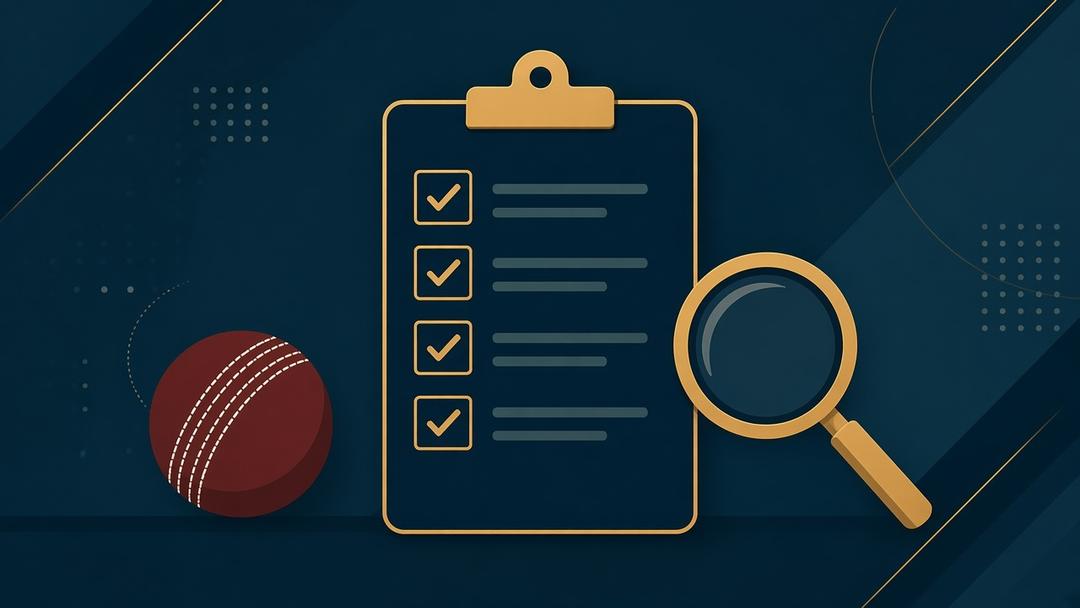
Use this table during demos or free trials. Mark each platform Yes, Partly or No.
| What to check | Why it matters | Platform A | Platform B |
|---|---|---|---|
| Shareable public registration link | Players join from WhatsApp | ||
| Organizer can close registration | Stops over-booking | ||
| Mobile OTP sign-up | Verified player identity | ||
| Reusable player profiles | No re-typing every season | ||
| Multiple profiles per mobile number | Families and shared phones | ||
| Custom fields (role, batting style, jersey size) | Auction-ready player cards | ||
| Excel bulk import | Corporate and returning rosters | ||
| Online, UPI QR and cash payments | Matches how players pay | ||
| Paid/unpaid status on each player | No screenshot chasing | ||
| Player and team approvals | A clean, eligible pool | ||
| Categories before the auction | Fair bidding tiers | ||
| Registration flows into auction | No re-entry before bidding | ||
| Squads flow into fixtures and scoring | No re-entry after bidding | ||
| PDF/Excel export | Records for your committee |
Run two or three real player records through each platform. Include an awkward one: a shared number, a late payer, or a returning player with a new role.
Where The 12th Men Fits
The 12th Men was built around this full chain, so it is worth adding to your comparison.
Players sign in with their mobile number and an OTP. Players are matched by mobile number, existing profiles are reused, and one number can hold more than one profile. Organizers share a registration link, customize fields such as playing role, batting style, jersey size and age, choose which fields appear in the auction view, and close registration when they have enough players.
Players can also be added manually or imported from Excel, then assigned categories. Payments can be set up as cash, online through Razorpay, or a UPI QR code on the registration form.
After that, registered players move into the player auction software, and finished auctions can be linked to a tournament to carry teams into fixtures and live scoring. You can see the full flow in the step-by-step how-to guide and the registration and payments feature page.
According to the pricing page, auctions are free for up to 20 teams and 40 players.
Choose the Software That Survives Auction Week
A registration form looks fine when nobody is using it.
The right cricket player registration software is the one that still works when 150 players register in three days, two brothers share a phone, and the auction starts on Sunday.
Take this checklist into your next demo. If you want to test it against a real workflow, try setting up your next league on The 12th Men cricket platform and run your own players through it.
Related Reading
- Cricket Player Registration Software: Complete Guide
- Cricket Auction Registration Form: Field-by-Field Guide
- From Cricket Auction to Scorecard: Sync Squads Faster
Ready to open registrations for your next league? See pricing (free up to 20 teams) or Book a free demo.
Continue with The 12th Men


Sports Enthusiast
Sports enthusiast and writer passionate about sports technology, tournament management, player auctions, and scoring solutions. Sharing insights, trends, and ideas that help organizers, players, and fans enhance their sporting experience.
FAQ
Got Questions? We've Got Answers.
Start with player identity: mobile OTP sign-up and reusable profiles. Then check payment tracking, approvals, bulk imports, and whether registered players move into your auction and tournament without being re-entered.
For a small, one-off event, it can be. Once you collect fees, run an auction, or repeat a league every season, separate forms and payment screenshots become hard to reconcile.
Choose a system that identifies players by a verified mobile number and reuses existing profiles. Then test it during the trial by registering the same player twice.
It depends on the platform. On The 12th Men, a single mobile number can hold multiple profiles, which helps families and players who share a phone.
If you run an IPL-style local auction, yes. A connected system lets approved players move into the auction pool with their categories and details, so you avoid rebuilding the list before bidding.
Related Articles

Guide
Remote Cricket Auctions: Online Bidding for Team Owners
Prepare team owners to bid from different locations without losing control of the room. Cover access, on-block checks, bid timers, purse visibility, decision roles, device testing and backup communication before auction night.
Read More >Yug Shah|Oct 15, 2026|
Guide
Cricket Player Registration Software: Complete Guide
Learn how Cricket Player Registration Software helps organizers manage online signups, player records, payments, verification, auctions, team assignments, and tournament operations. This guide explains how connected registration can simplify cricket leagues from the first signup to the final scorecard.
Read More >Yug Shah|Sep 11, 2026|