Why Every School Tournament Needs a Scoring App
Written by Yug Shah, Sports Enthusiast.
School sports have changed a lot in the last few years. Earlier, teachers managed matches with notebooks, printed fixtures, and manual score sheets. That system worked for small events, but today's school tournaments are much bigger and faster.
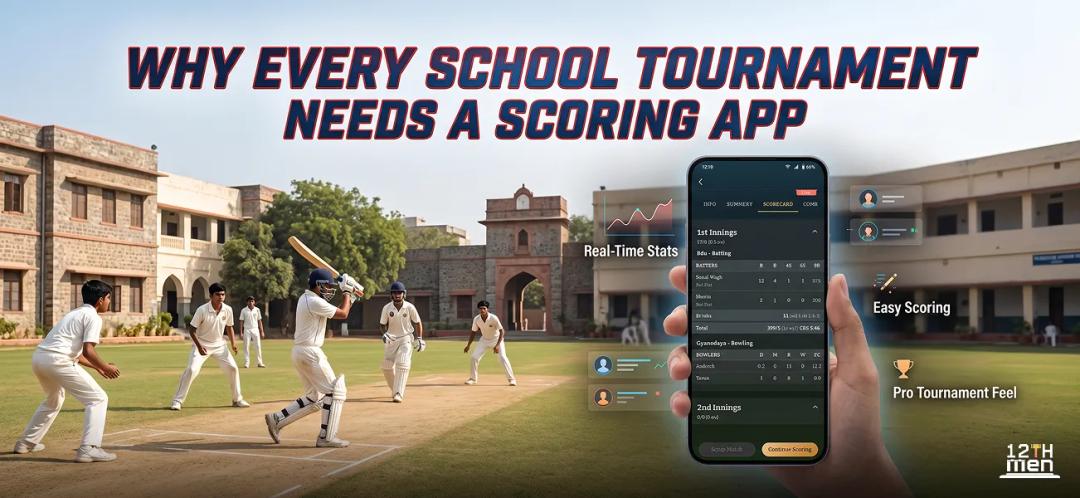
Parents expect live updates. Students want a professional experience. Coaches need proper player records. Because of this, schools are now moving toward digital tools like a cricket scoring app and complete Sports Event Management Solution platforms.
A scoring app does much more than counting runs. It helps schools organize tournaments smoothly, reduce confusion, and save valuable time.
Schools that switch to digital scoring notice immediate improvement in tournament management and audience engagement.
This blog explains why every school tournament should use a scoring app and how The 12th Men helps schools conduct sports events professionally.
What Is a Cricket Scoring App?
A cricket scoring app is software that records match scores digitally and shares updates instantly. Schools can use it during cricket tournaments to manage matches, player statistics, schedules, and rankings.
Most modern apps also work as a complete Sports Event Management Solution, allowing schools to handle different sports from one platform.
With the help of scoring software, schools can:
- Update live scores
- Create fixtures automatically
- Manage team registrations
- Track player performance
- Generate points tables
- Share results instantly
- Store tournament records safely
Instead of handling everything manually, schools can control the entire event from a mobile phone or computer.
How a School Scorer Runs a Match in The 12th Men
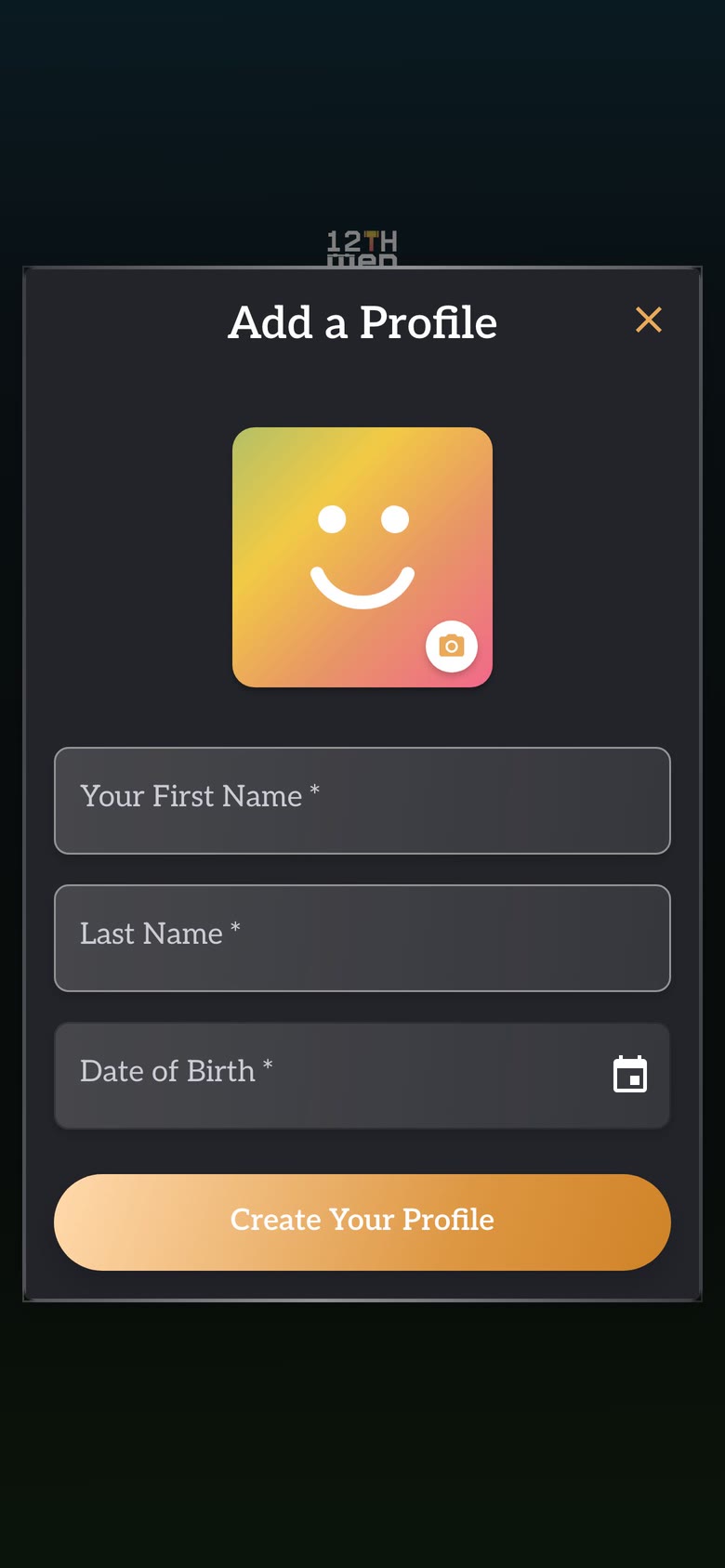
A school does not need a long technology project before the first fixture. A teacher or student scorer can follow the profile and sign-in guide, choose the correct profile, and open the event in the free scoring app.
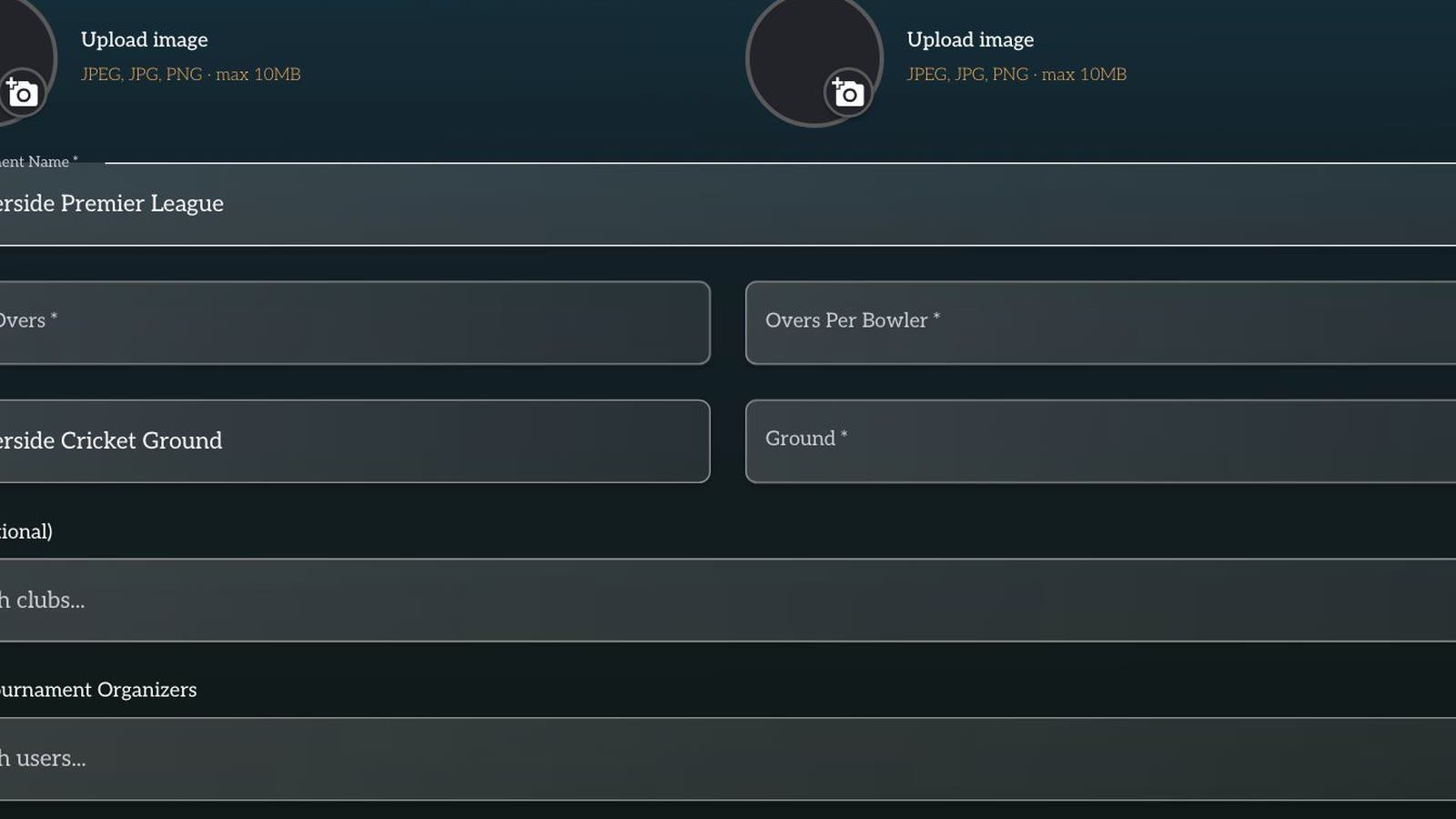
1. Create the fixture and assign the scorer
Add the teams or players, select the sport, and confirm the match format. Give one named person responsibility for the official score. Other teachers and parents can follow the shared result rather than keeping separate unofficial totals.
2. Check the participants before play
For cricket, confirm both squads and the number of overs. For badminton or pickleball, check the singles players or doubles pairs and the number of games. Correcting a participant before the match is easier than moving a completed score to a different name later.
3. Complete the sport-specific start
In cricket, record the toss, batting decision, opening batters and first bowler. In badminton or pickleball, confirm the two sides, opening game and rally-scoring format. Ask the official to verify the start screen before the first ball or rally.
4. Record play as it happens
For cricket, enter every delivery as a dot ball, runs, an extra or a wicket. Choose the correct extra and dismissal type so the scorecard can separate batter, bowler and fielding records.
For badminton and pickleball rally scoring, tap the side that wins each rally. Compare the display with the umpire or referee's call before the next serve. Entering several points from memory defeats the purpose of a live record.
5. Check important boundaries
At the end of a cricket over, verify the total, wickets and next bowler. Near badminton or pickleball game point, confirm the rally score and the number of games won. These short checks catch an error before it affects the next stage of the match.
6. Use Undo immediately
If the last ball, extra, wicket or rally point is wrong, use Undo and enter the event again. Tell the official that the score is being corrected. Do not wait until a later break, when the scorer may no longer remember exactly which event caused the difference.
7. Close the innings, game and match
For cricket, review the total before ending the innings, then select the new openers and bowler for the chase. For a racket-sport match, confirm the completed game score before starting the next game. After the final segment, review the winner and all scores before completing the match.
8. Share the confirmed result
Send the scorecard or result link to teams, coaches and parents. If the school streams cricket, follow the YouTube Live overlay guide to display the score on the broadcast while the scorer continues working in the app.
This process gives a school a clear chain of responsibility. One scorer records the match, the official confirms key moments, and the completed result moves into the tournament record without another teacher retyping it.
Why Schools Are Choosing Digital Sports Management
Technology is already part of classrooms, exams, and attendance systems. Sports management is also becoming digital because schools need faster and smarter ways to organize events.
A modern Sports Event Management Solution helps schools save time while improving the tournament experience for everyone involved.
Live Scoring Keeps Everyone Connected
One of the biggest advantages of using a cricket scoring app is live score updates.
Parents can follow matches from home or work. Students can check scores instantly. Teachers can manage events without repeated announcements.
Live scoring also creates excitement among students. Even those not playing in the match remain interested in the event.
Easy Tournament Scheduling
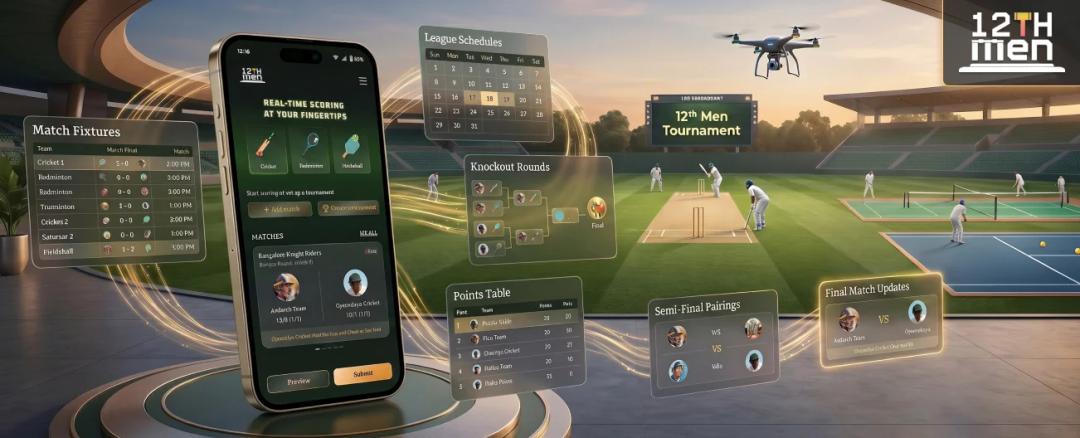
Creating fixtures manually can take hours, especially when many teams participate.
A scoring platform simplifies this process by automatically generating:
- Match fixtures
- League schedules
- Knockout rounds
- Points tables
- Semi-final pairings
- Final match updates
This saves a lot of effort for sports coordinators and teachers.
Better Experience for Students
Students enjoy sports more when tournaments feel organized and professional.
A cricket scoring app helps create that experience by offering:
- Digital scoreboards
- Player statistics
- Live rankings
- Match summaries
- Team standings
Students become more motivated when they can see their individual performance records and rankings online.
Helps Coaches Track Performance
A good Cricket Management Software stores complete player data, making it easier for coaches to evaluate students.
Coaches Can Analyze:
- Runs scored
- Wickets taken
- Strike rates
- Bowling economy
- Fielding performance
- Match participation
This helps schools identify talented players for district and state-level competitions.
Instead of depending on memory or handwritten notes, coaches can access accurate data anytime.
Reduces Workload for Teachers
Teachers usually handle tournament organization along with regular academic work.
Digital sports platforms reduce workload by automating many tasks such as:
- Score calculations
- Match scheduling
- Team management
- Result updates
- Report generation
Schools using digital tools spend less time managing paperwork and more time focusing on student participation.
Improves Communication With Parents
Parents always want updates about school activities, especially sports competitions.
Using a Sports Event Management Solution, schools can share:
- Match timings
- Live scores
- Final results
- Tournament announcements
- Player achievements
This improves parent engagement and creates a better connection between schools and families.
Multi-Sport Management From One Platform
Modern school tournaments usually include multiple sports, not just cricket.
Platforms like The 12th Men support different games including:
- Cricket
- Football
- Badminton
- Chess
- Athletics
- Table Tennis
- Volleyball
This makes tournament management easier because schools do not need separate systems for different sports.

Why The 12th Men Is a Smart Choice for Schools
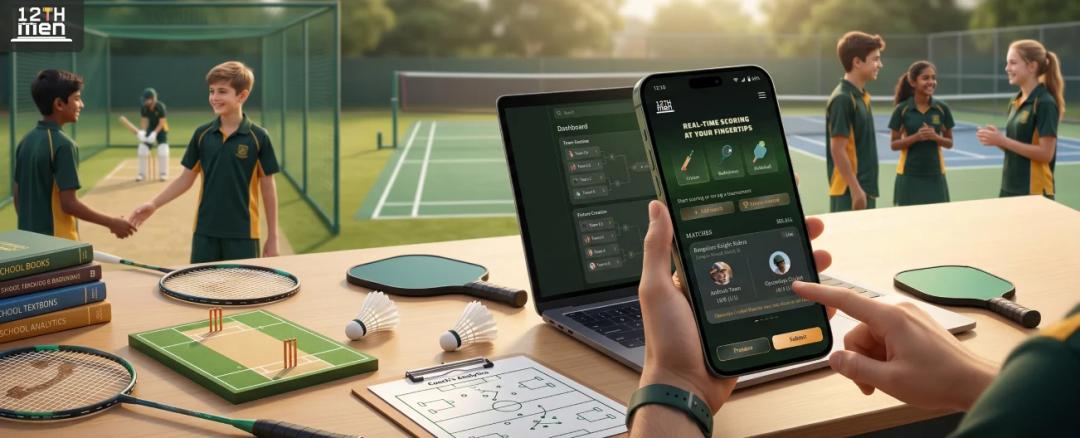
The 12th Men offers an easy and reliable platform designed for schools, academies, and tournament organizers.
The platform combines live scoring, tournament scheduling, and player management into one system.
Features Schools Like Most
Simple Live Scoring
The cricket scoring app allows quick and accurate score updates during matches.
Easy Dashboard
Teachers and students can use the platform without technical knowledge.
Fast Fixture Creation
Schools can create tournament schedules in minutes.
Detailed Player Statistics
Coaches get access to complete player records and match analytics.
Cloud-Based Access
Tournament data stays secure and accessible from anywhere.
Multi-Sport Support
The platform works for cricket and several other sports, making it ideal for complete school sports management.
Illustrative School Tournament Scenario
Problems included:
- Confusing score updates
- Delayed announcements
- Manual scheduling errors
- Difficulty sharing results with parents
In this illustrative scenario, The 12th Men would centralize scoring, scheduling, and result sharing in one workflow.
Live scores can help families follow the event, while digital scheduling can reduce repetitive updates and manual work for staff.
Parents and participating teams can check published scores and schedules directly instead of relying on separate messages.
Signs Your School Needs a Scoring App
Your school should consider using a Cricket Management Software if:
- Manual scoring causes mistakes
- Tournament management takes too much time
- Parents ask for live updates
- Teachers struggle with scheduling
- Player records are difficult to maintain
- Multiple sports events happen regularly
If these issues sound familiar, digital sports management can make a huge difference.
The Future of School Sports
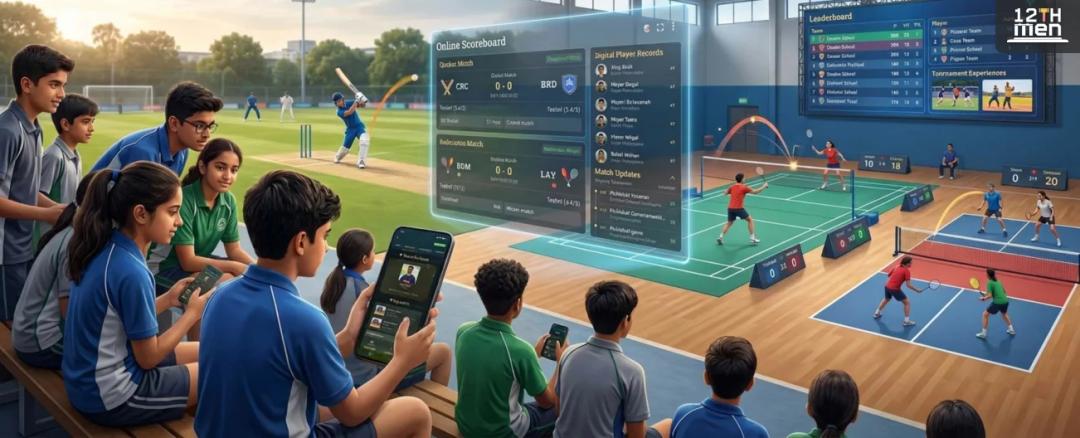
School tournaments are becoming more competitive and technology-focused every year.
Students now expect:
- Live match updates
- Online scoreboards
- Fast announcements
- Digital player records
- Professional tournament experiences
Schools that adopt digital systems early can organize events more efficiently and create better experiences for students and parents.
Schools using a Sports Event Management Solution often see higher participation and smoother event management within a short period.
Final Thoughts
A cricket scoring app is no longer just an optional tool for schools. It has become an important part of modern tournament management.
From live scoring to player analytics, digital systems help schools organize sports events more efficiently while reducing manual work.
Platforms like The 12th Men make it easier for schools to manage tournaments professionally and keep students, parents, and teachers connected throughout the event.
If your school still depends on paper-based scoring, this is the right time to switch to a smarter and more reliable system.
Use match scheduling and scoring to coordinate school fixtures, live results, and standings.
Related Reading
- How Live Scoring Features Improve Tournament Experience
- How Live Scoring Features Improve Tournament Experience
- Manual vs Digital Scoring: Why You Need a Scoring App
Sources and methodology
Examples involving team sizes, scores, schedules, budgets, or workflows are illustrative planning scenarios unless a source is cited. Organizers should also check their governing body's current rules and local requirements.
Continue with The 12th Men
Read next: Manual vs Digital Scoring: Why You Need a Scoring App
Need help setting up your event? Scoring and streaming set up for your event: live scorecards, points table, NRR and YouTube overlays.

Related Articles

Guide
Cricket Player Registration Software: What to Look For
Use a practical buyer checklist for cricket player registration. Compare public links, OTP sign-up, reusable profiles, multi-player households, bulk imports, payment tracking, approvals and the handoff into auctions or tournaments.
Read More > Yug Shah|Nov 3, 2026|

Guide
Remote Cricket Auctions: Online Bidding for Team Owners
Prepare team owners to bid from different locations without losing control of the room. Cover access, on-block checks, bid timers, purse visibility, decision roles, device testing and backup communication before auction night.
Read More >Yug Shah|Oct 15, 2026|