Sports Event Dashboard Every Organizer Should Use

By Yug Shah
|
Aug 27, 2026
|
|
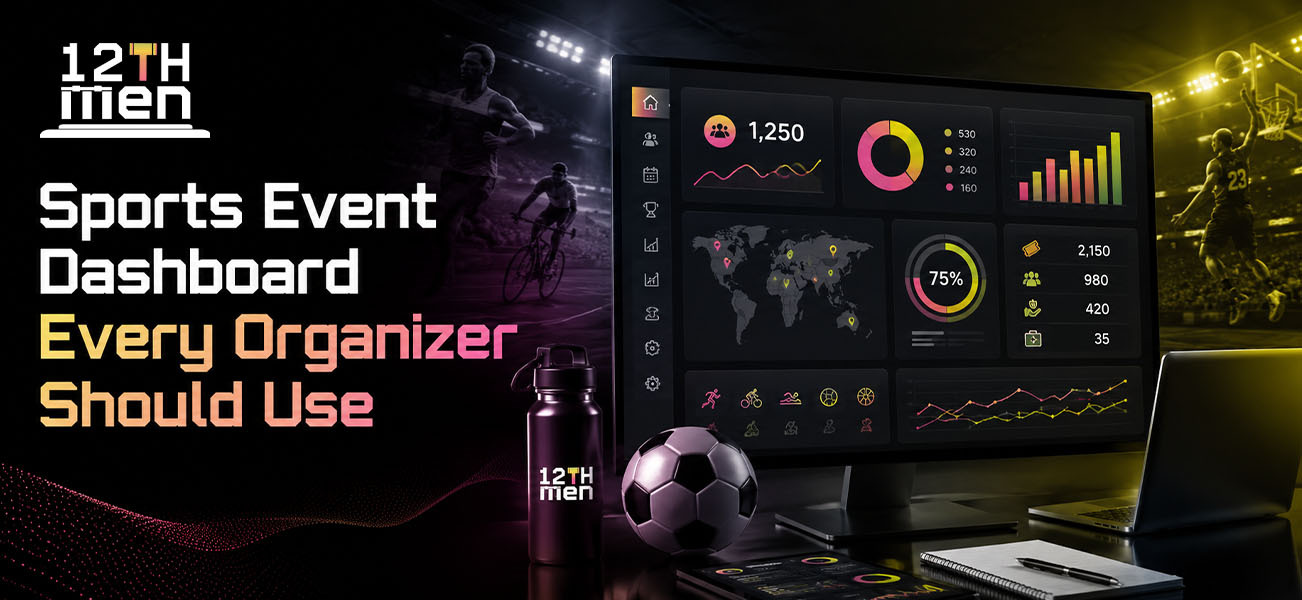
Running a sports event often means handling registrations, teams, schedules, players, scores, payments, announcements, and last-minute changes at the same time. A Sports Event Management Solution gives organizers one place to manage these moving parts instead of switching between spreadsheets, chat groups, and separate tools.
A well-planned event dashboard is not just a screen full of numbers. It should help organizers understand what is happening, spot problems early, and take action without digging through multiple systems.
Quick Summary / Key Takeaways
- A sports event dashboard brings registrations, teams, fixtures, scores, and payments into one view.
- Organizers can monitor event progress without checking several spreadsheets or apps.
- A good dashboard should show upcoming matches, completed games, pending registrations, and important alerts.
- A tournament management system can help clubs manage different events from one platform.
- A team management platform makes team and player information easier to track.
- A sports scheduling solution helps organizers manage fixtures and respond to schedule changes.
- Live updates and Real-time tournament notifications keep players, teams, and spectators informed.
- For cricket leagues, Cricket Player Auction Software can bring player auctions and team formation into the same workflow.
What Is a Sports Event Dashboard?
A sports event dashboard is a central control panel where organizers can view and manage important event information.
Think of it as the organizer's working screen. Instead of opening a registration sheet, checking WhatsApp for team updates, opening another file for fixtures, and then looking somewhere else for scores, the dashboard brings key information together.
A typical dashboard may include:
| Dashboard Area | What Organizers Can Track |
|---|---|
| Registrations | Players, teams, entries and registration status |
| Teams | Team lists, captains, players and team status |
| Fixtures | Upcoming, completed and pending matches |
| Live Scores | Current scores and match progress |
| Payments | Paid, pending and completed transactions |
| Notifications | Match reminders, schedule changes and announcements |
| Reports | Event activity, results and registration data |
We've noticed that many event organizers do not struggle because they lack information. They struggle because the information is scattered.
That is where a centralized dashboard can make a real difference.
Why Organizers Need a Sports Event Management Solution
A small local tournament may start with a simple spreadsheet. That approach can work when there are only a few teams and matches.
The problems usually appear as the event grows.
A tournament with 30 teams, multiple venues, hundreds of players, and several match days creates a lot of updates. One fixture change can affect referees, teams, volunteers, venue staff, and spectators.
A Sports Event Management Solution can give organizers a single place to monitor those changes.
For example, if a cricket match moves from 4 PM to 6 PM, the organizer should not have to update five separate sheets and manually message every team. The change should be reflected in the event system and communicated to the relevant users.
This is one of the areas where a good dashboard saves organizers from unnecessary administrative work.
7 Dashboard Features Every Sports Organizer Should Look For
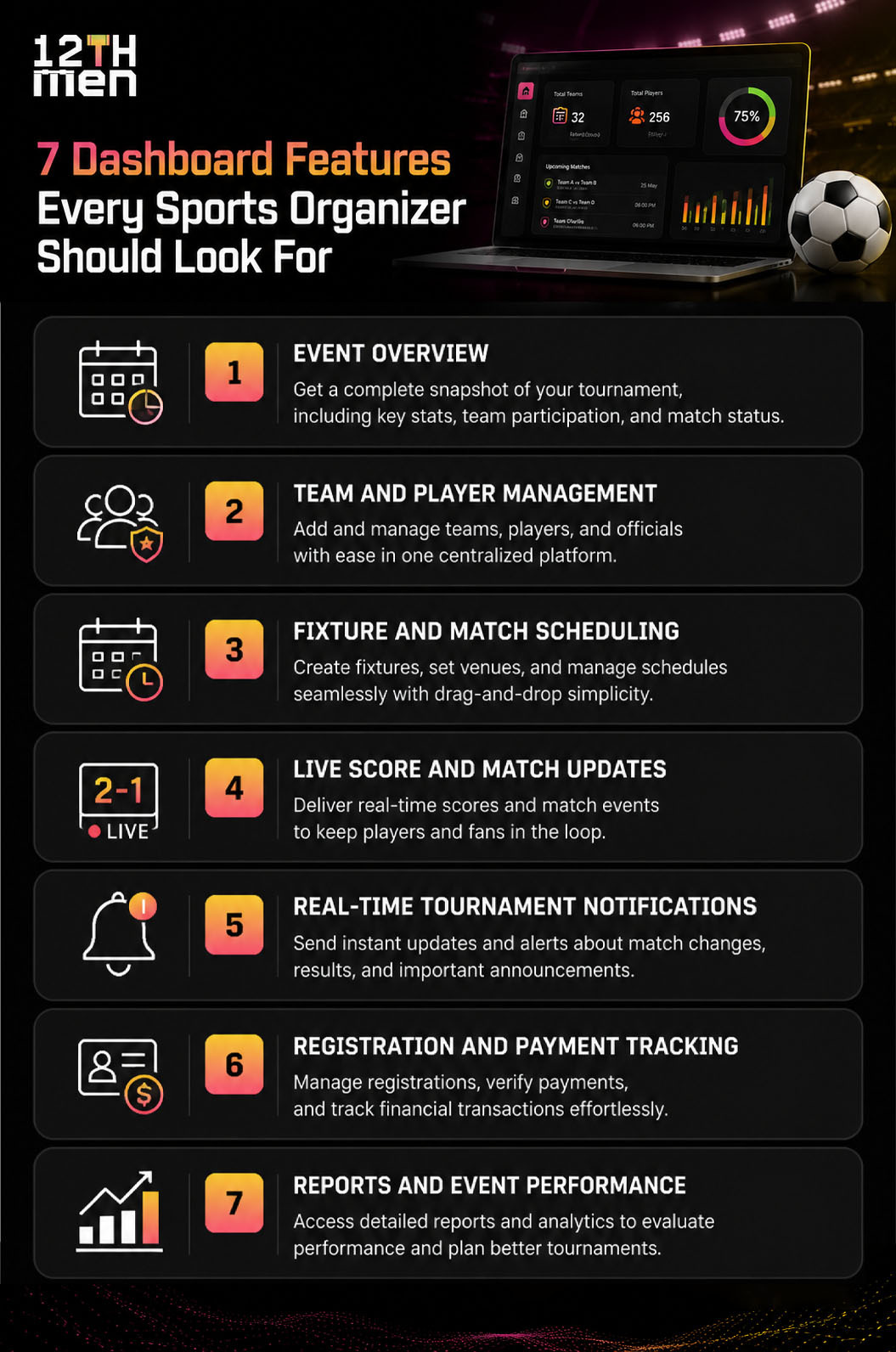
1. Event Overview
The first screen should answer basic questions quickly:
- How many teams have registered?
- How many matches are completed?
- What matches are scheduled today?
- How many registrations are pending?
- Are there outstanding payments?
- Which matches are currently live?
- Are there any important alerts?
An organizer should not need to open several pages to understand the current event status.
2. Team and Player Management
Team information can become difficult to manage when players join, leave, or change teams.
A team management platform can keep player profiles, team details, captains, squad lists, and registration information together.
For example, during a badminton league, an organizer may need to check whether a player is already registered with another team. A centralized player record makes that check much easier.
For cricket tournaments, the same system can also support squad management, player availability, and auction-related workflows.
3. Fixture and Match Scheduling
Scheduling is one of the areas where organizers spend a lot of time.
A useful sports scheduling solution should help manage:
- Match dates and times
- Venues
- Teams
- Match rounds
- Knockout stages
- League fixtures
- Rescheduled matches
- Match status
Here's a simple example:
| Situation | Manual Approach | Dashboard Approach |
|---|---|---|
| Match postponed | Update spreadsheet and message teams | Change fixture status and notify users |
| Venue changed | Contact multiple people | Update venue in the match record |
| New fixture | Create entry manually | Add fixture through scheduling tools |
| Match completed | Update several records | Mark match completed from one place |
A common mistake we see is treating scheduling as a one-time task. In real tournaments, fixtures change. Your system needs to handle those changes without creating more confusion.
4. Live Score and Match Updates
Scores are one of the first things players and spectators look for during a tournament.
A sports dashboard can connect live scoring with match information so users can follow the game without asking the organizer for updates.
For cricket, this could include:
- Runs
- Wickets
- Overs
- Batting details
- Bowling details
- Match result
- Player statistics
For badminton or pickleball, the dashboard can show game scores, match status, and results.
The key is keeping the information easy to understand. Organizers need operational details, while spectators usually want a quick view of the current match.
5. Real-time Tournament Notifications
A schedule change at the last minute can create confusion quickly.
Real-time tournament notifications can be used for:
- Match reminders
- Fixture changes
- Venue changes
- Registration confirmation
- Payment reminders
- Match results
- Tournament announcements
Suppose a cricket match is moved because of rain. Instead of relying only on a team WhatsApp group, the organizer can update the fixture and send a notification to the affected teams.
This creates a clearer communication trail.
Notifications should also be relevant. Sending every update to every participant can become annoying. Good systems allow organizers to target the right teams, players, or event groups.
6. Registration and Payment Tracking
Registration is often the first major administrative task in a tournament.
A dashboard should make it easy to see who has registered and who still needs to complete payment.
| Registration Status | What the Organizer Should See |
|---|---|
| New | Recently submitted registration |
| Verified | Registration checked by organizer |
| Payment Pending | Registration received but payment incomplete |
| Paid | Payment completed |
| Rejected | Registration not approved |
| Cancelled | Registration withdrawn |
This information becomes particularly useful when a tournament has a fixed team limit.
Instead of checking bank statements and spreadsheets separately, organizers can get a clearer view of registration and payment status from the same system.
7. Reports and Event Performance
Reports give organizers a record of what happened during the event.
Useful reports may include:
- Team registration reports
- Player participation
- Match results
- Tournament standings
- Payment records
- Attendance
- Player statistics
- Event activity
These reports can also help organizers prepare for the next tournament.
For example, if registration numbers consistently drop when matches are scheduled on weekday evenings, that is something the organizer can consider when planning future events.
The goal is not to create hundreds of reports. A few useful reports are better than a dashboard filled with information nobody checks.
Sports Management Software vs. Basic Spreadsheets
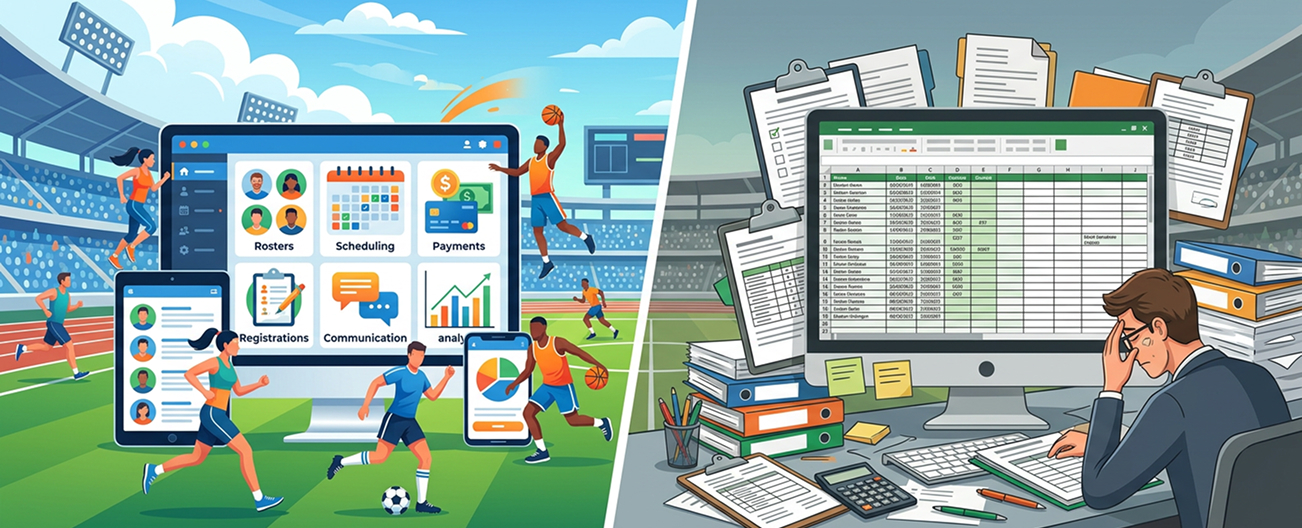
Spreadsheets still have a place in sports administration. They are inexpensive and familiar.
The issue is that spreadsheets become harder to manage when several people are editing schedules, team lists, scores, and payments at the same time.
| Feature | Spreadsheet | Sports Management Software |
|---|---|---|
| Team records | Manual | Centralized |
| Fixture management | Manual updates | Structured scheduling |
| Live scoring | Limited | Can connect with scoring features |
| Notifications | Usually separate | Built into the workflow |
| Player records | Basic | Dedicated profiles |
| Payments | Manual tracking | Payment status management |
| Reports | Manual preparation | System-generated reports |
| Multiple events | Can become difficult | Designed for event management |
For a small one-day event, a spreadsheet may be enough. For recurring leagues and larger tournaments, dedicated sports management software is usually easier to manage.
Where Cricket Player Auction Software Fits In
Cricket leagues have an extra layer that many other sports events do not: player auctions.
An organizer may need to manage player registration, player pools, team budgets, bidding, sold players, unsold players, and final squads.
Cricket Player Auction Software can bring these activities into the tournament workflow.
For example, imagine a local cricket league with eight teams and 100 registered players. During the auction, organizers need to know which players are available, which team is bidding, how much budget remains, and which players have already been sold.
Trying to manage this through multiple spreadsheets can become messy very quickly.
A connected dashboard can show:
- Player auction list
- Team purse or budget
- Current bid
- Sold price
- Sold and unsold players
- Team squad
- Remaining player slots
This is especially useful when the auction and tournament management process are part of the same event.
What Should Be on the Main Dashboard?
Not every piece of information needs to appear on the home screen.
A practical dashboard might look like this:
| Dashboard Section | Priority |
|---|---|
| Today's Matches | High |
| Live Matches | High |
| Pending Registrations | High |
| Important Notifications | High |
| Payment Status | Medium |
| Team Overview | Medium |
| Player Statistics | Medium |
| Historical Reports | Low |
The main screen should help an organizer act quickly.
Detailed information can sit behind individual sections rather than making the first screen crowded.
How a Dashboard Helps During a Real Tournament
Consider a weekend cricket tournament with 16 teams.
On Saturday morning, the organizer checks the dashboard and sees that:
- 16 teams are confirmed.
- Two matches are currently scheduled.
- One team has a pending registration document.
- Three players have incomplete profiles.
- One venue has been changed.
- The first match is live.
The organizer can deal with these issues before they become problems.
Later, when the first match finishes, the result is recorded and the next fixture becomes easier to track.
This is where a tournament management system becomes useful. It connects the different parts of the tournament instead of treating each task as a separate activity.
How to Choose the Right Sports Event Dashboard
Before selecting a platform, ask practical questions rather than focusing only on the feature list.
Check these areas:
1. Does it support your sport? Cricket, badminton, pickleball, and other sports may have different scoring and scheduling requirements.
2. Can it handle your event size? A system that works for 8 teams should also be assessed for larger tournaments.
3. Can multiple organizers use it? Events often involve administrators, scorers, team managers, and volunteers.
4. Does it support mobile access? Organizers are rarely sitting at a desk throughout the tournament.
5. Are notifications included? Communication is a major part of event management.
6. Can you export reports? Your tournament records should remain useful after the final match.
7. Does it connect different event activities? Registration, teams, scheduling, scoring, payments, and communication should not feel like unrelated systems.
The 12th Men: One Dashboard for Sports Event Management
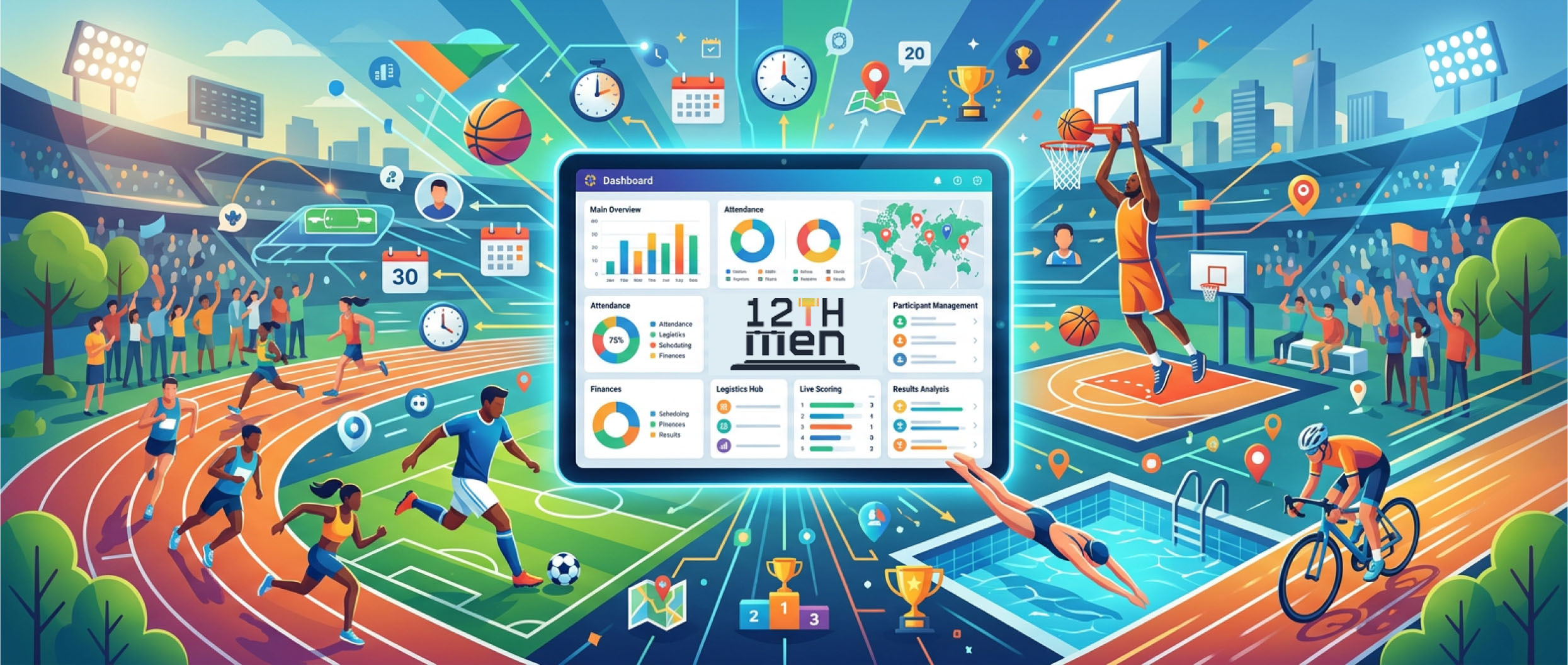
For organizers managing cricket, badminton, pickleball, and other sports events, The 12th Men provides tools designed around the actual workflow of sports tournaments.
The platform brings areas such as team management, player management, tournament organization, scheduling, scoring, and sports auctions into a connected environment.
The right setup depends on the type of event you run. A local club league may need simple registration and fixtures, while a larger cricket tournament may require auction management, live scoring, player statistics, and detailed reports.
The useful part is having those capabilities available as the event grows rather than rebuilding your process for every tournament.
Final Thoughts
A good Sports Event Management Solution should make an organizer's day easier without making the system complicated.
The best dashboard is the one that answers important questions quickly: What is happening now? What happens next? Is anything pending? Did something change? Who needs to know?
We've noticed that organizers often focus heavily on match-day features and overlook the administrative work around them. Registration, payments, team records, scheduling, notifications, and reporting are just as important to a well-run event.
If you are still managing these tasks across spreadsheets, chat groups, and separate tools, it may be time to bring them together.
Want to simplify your next sports tournament? Explore The 12th Men and see how a single sports event management platform can help you manage teams, fixtures, scoring, auctions, and tournament activities from one place.
Related Articles
Guide
Badminton Tournament Bracket Generator: Easy Guide
Learn how a badminton tournament bracket generator supports singles and doubles events, fair seeding, court scheduling, live result updates, and smoother competition management for busy clubs. It also highlights practical steps, common pitfalls.
Read More >Yug Shah|Sep 21, 2026|
Guide
Real-Time Tournament Notifications: Organizer Guide
See how instant alerts reduce confusion on tournament day. This guide covers fixture reminders, venue updates, score notifications, delay announcements, and practical communication workflows for organizers. It also highlights practical steps.
Read More >Yug Shah|Sep 17, 2026|